Writing app + book formatter
Plan it, write it and publish it in one place.
Outline and draft your novel, keep your characters straight, then export a clean EPUB, a print-ready PDF and a Word file from the same manuscript.
- Free for one book, no card
- AI off by default
- Accessible EPUB on every plan
Files ready for
- Amazon KDP
- Apple Books
- Kobo
- Google Play Books
Print PDFs to KDP's specs. Standard EPUB 3 for every ebook store.
Sound familiar?
Your book lives in five places. It shouldn’t.
The draft is in one app, the outline in a spreadsheet, the character notes somewhere else, and the formatting in a fourth tool you re-run every time you fix a typo. Gnarlywog keeps all of it in one manuscript.
Before
Draft in a word processorPlot in a spreadsheetCharacters in a notes appFormat in a separate appLitRPG stats by hand
Gnarlywog
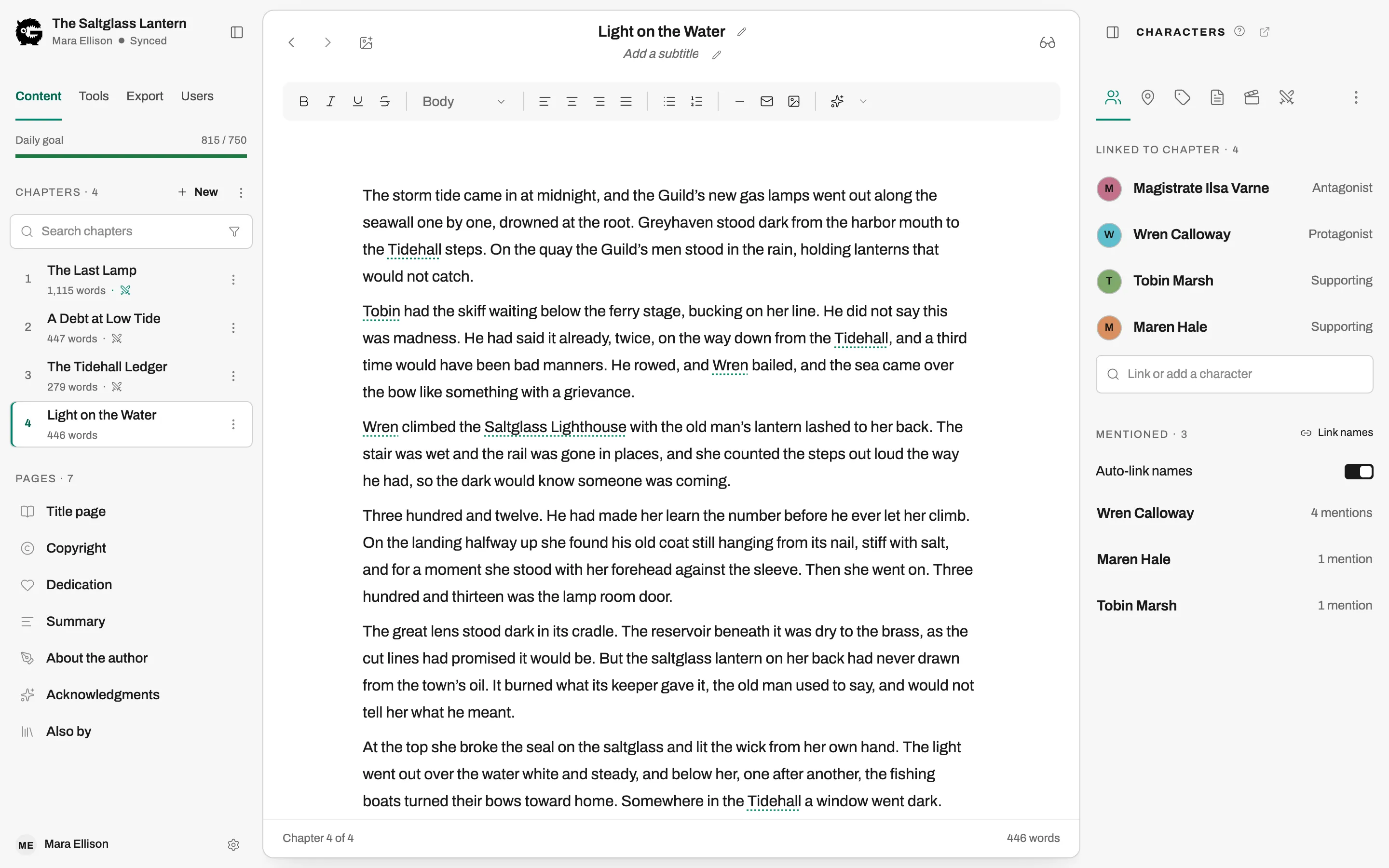
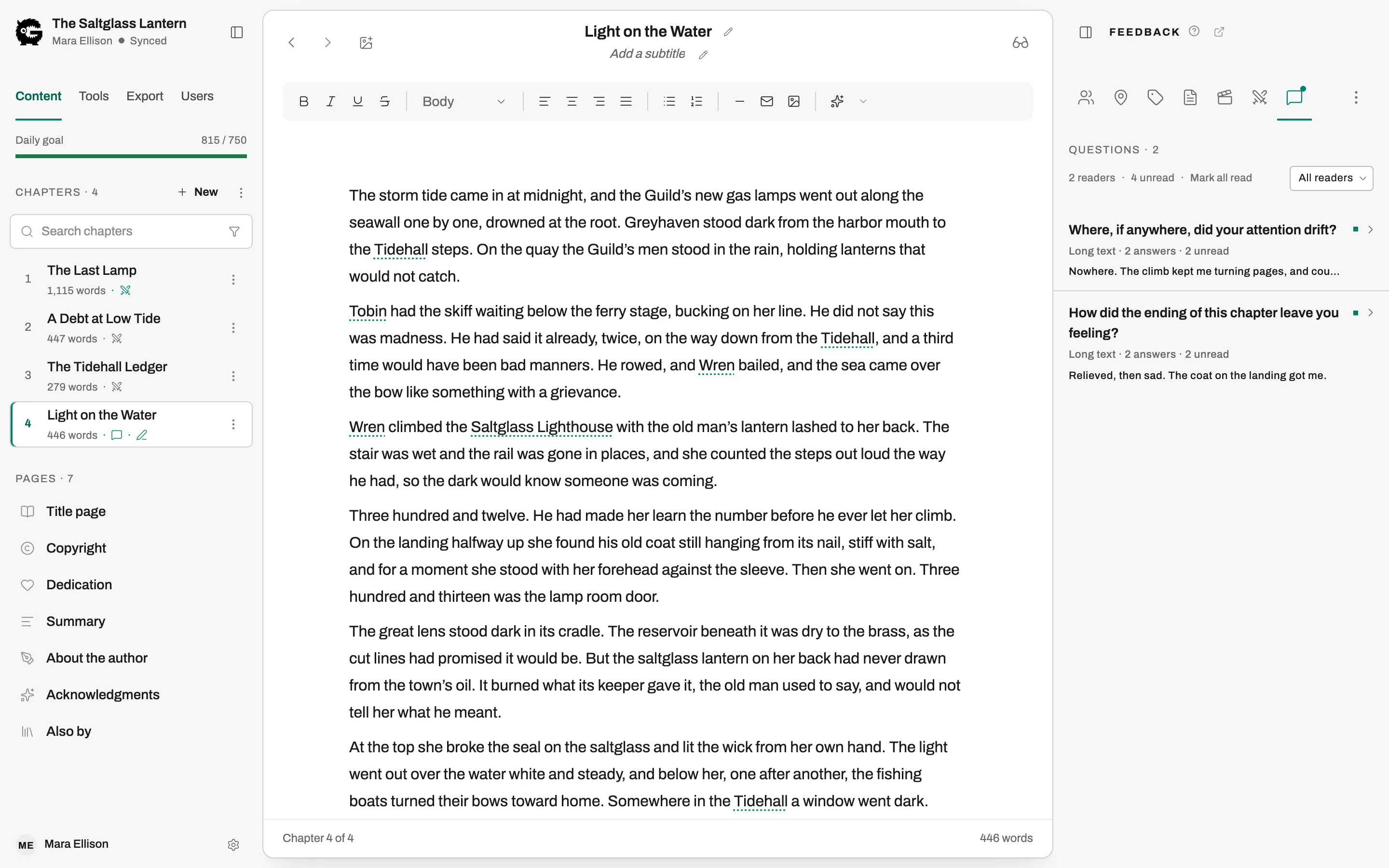
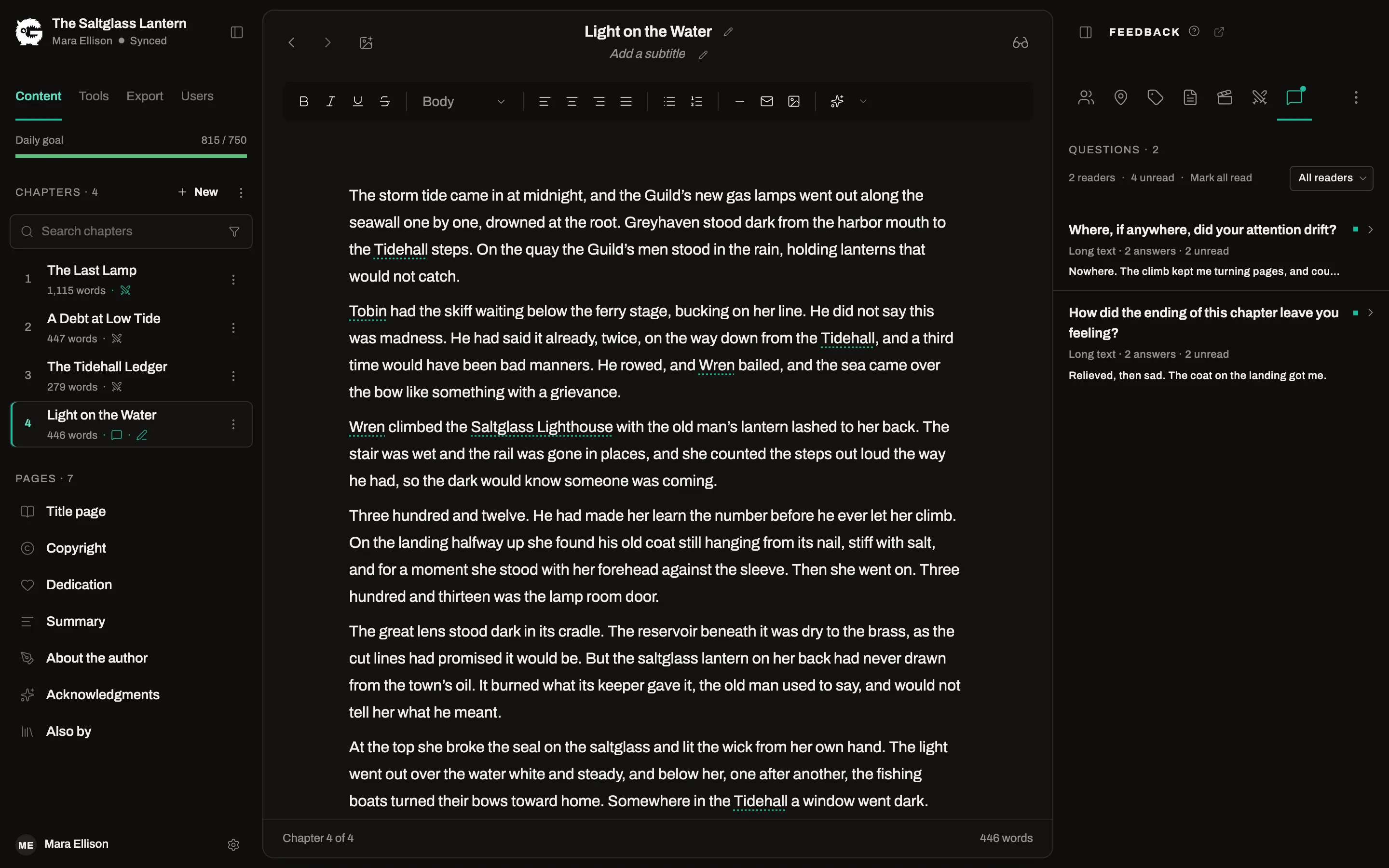
- A chapter editor
- Outline and beats
- Linked characters and locations
- EPUB, PDF and DOCX
- A LitRPG builderPro
One manuscript, start to finish
From first outline to finished file
Work out the story before you write it
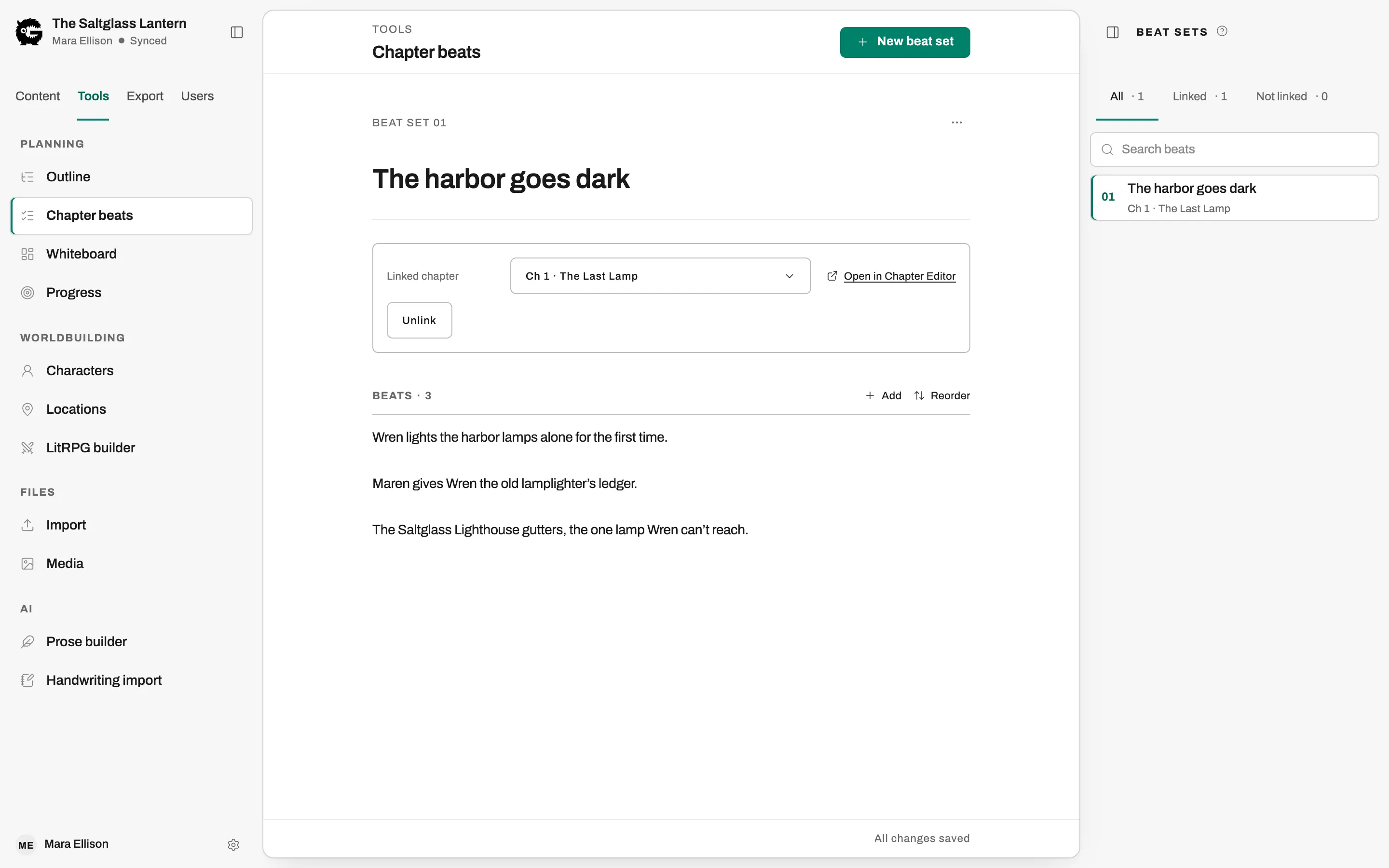
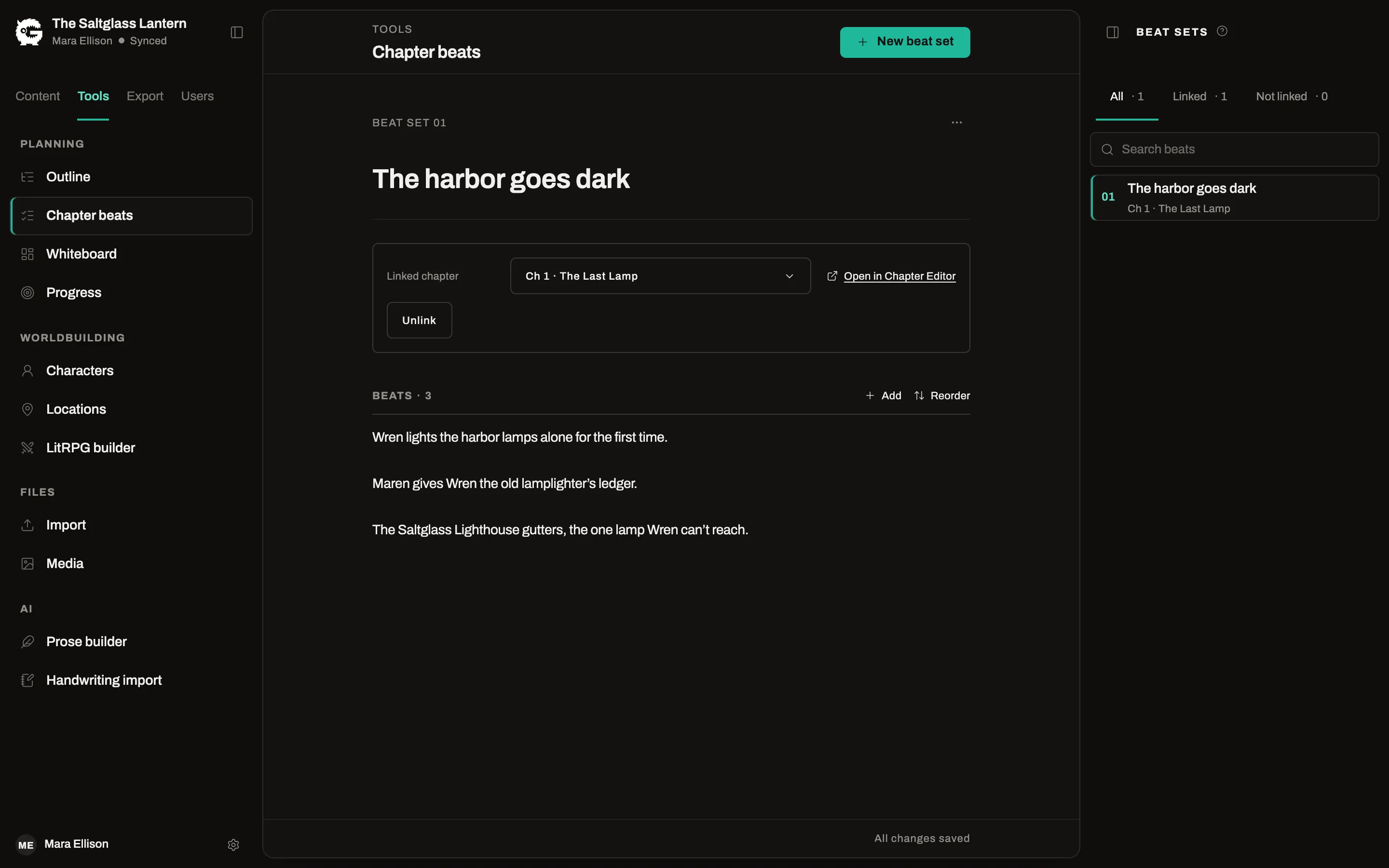
Outline the whole book, break each chapter into beats, and keep the cast and places on record beside the manuscript.
- An outline grid with Three-act, Hero’s journey and Seven-point templates
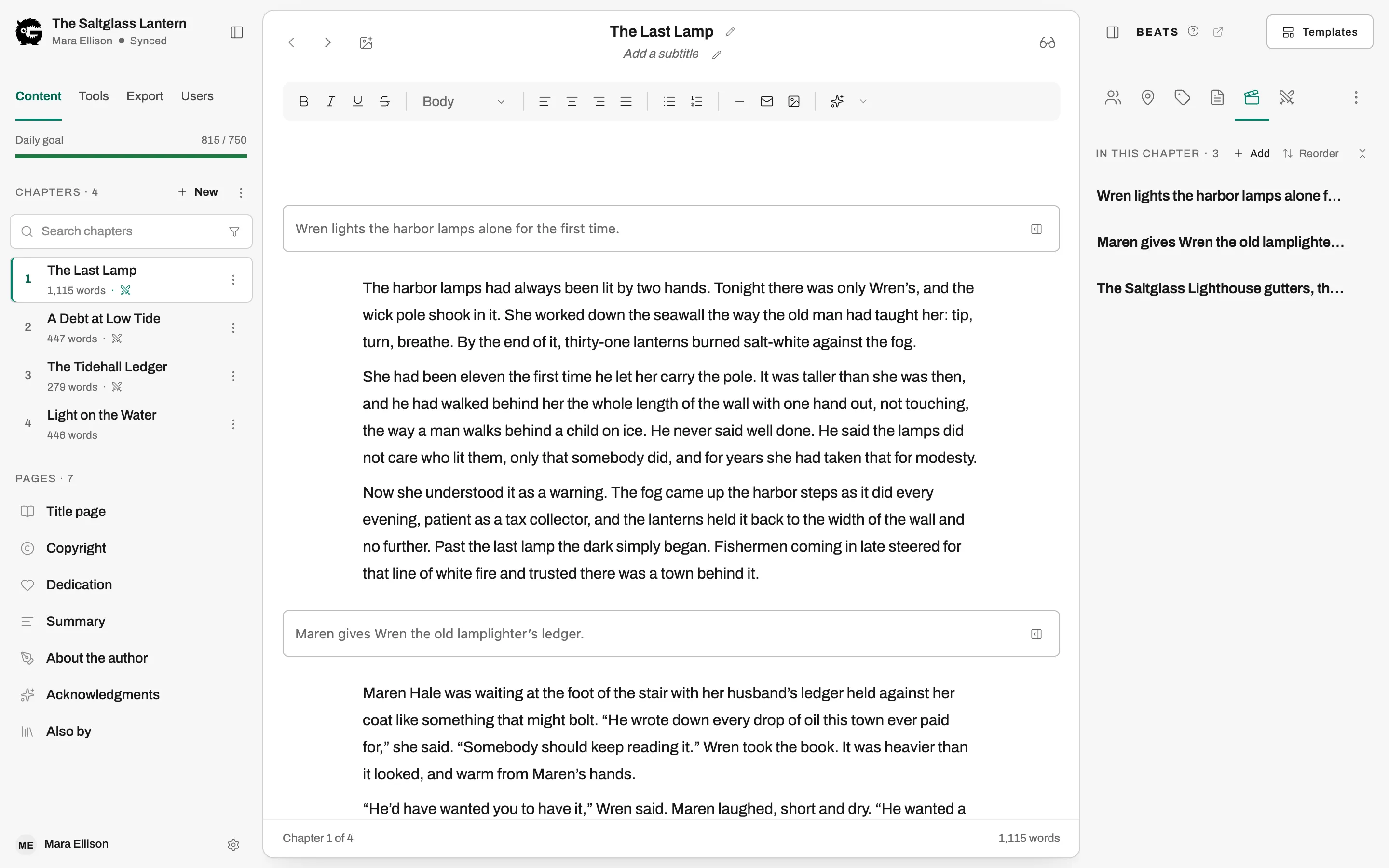
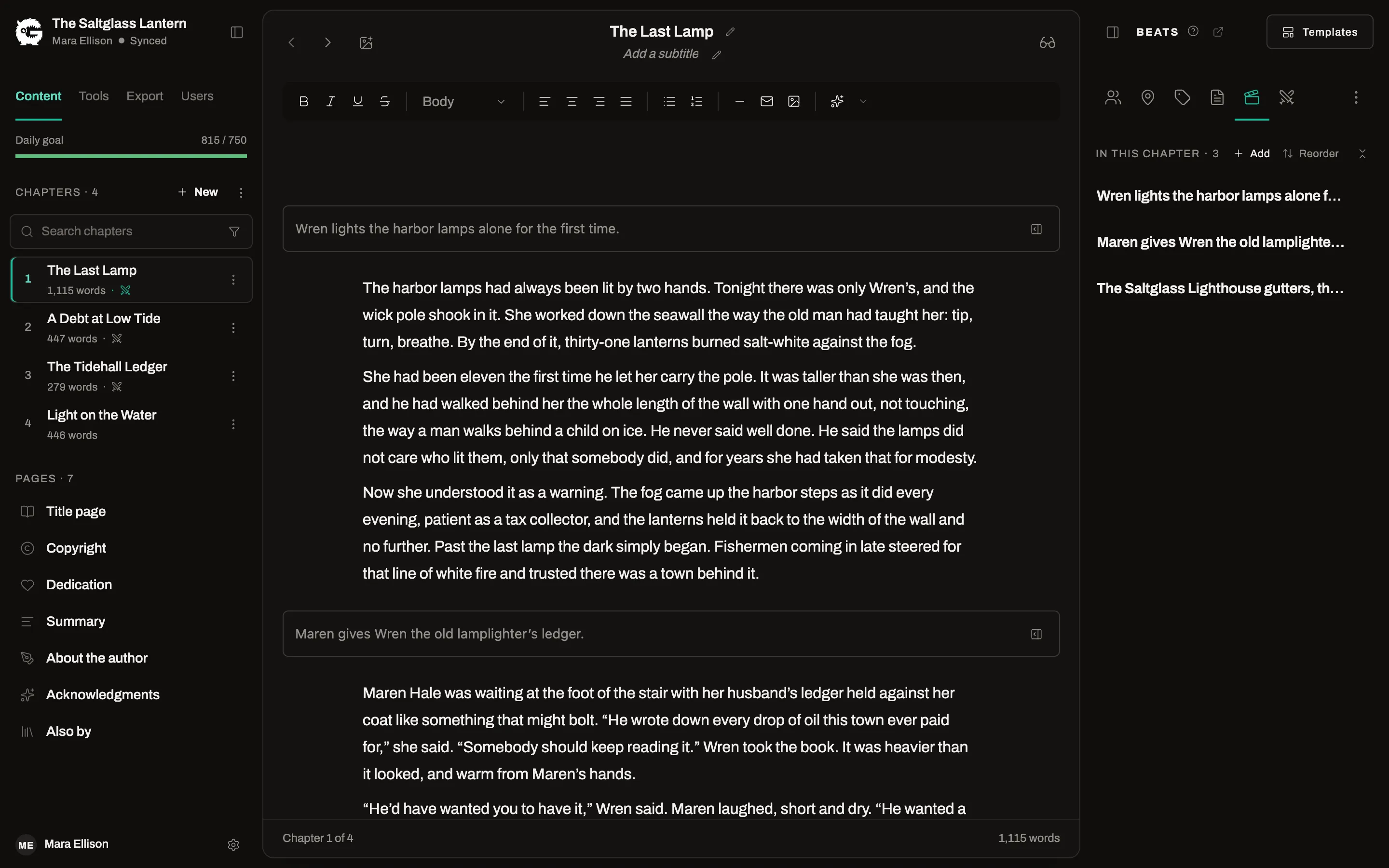
- Chapter beats in a panel beside the text you are drafting
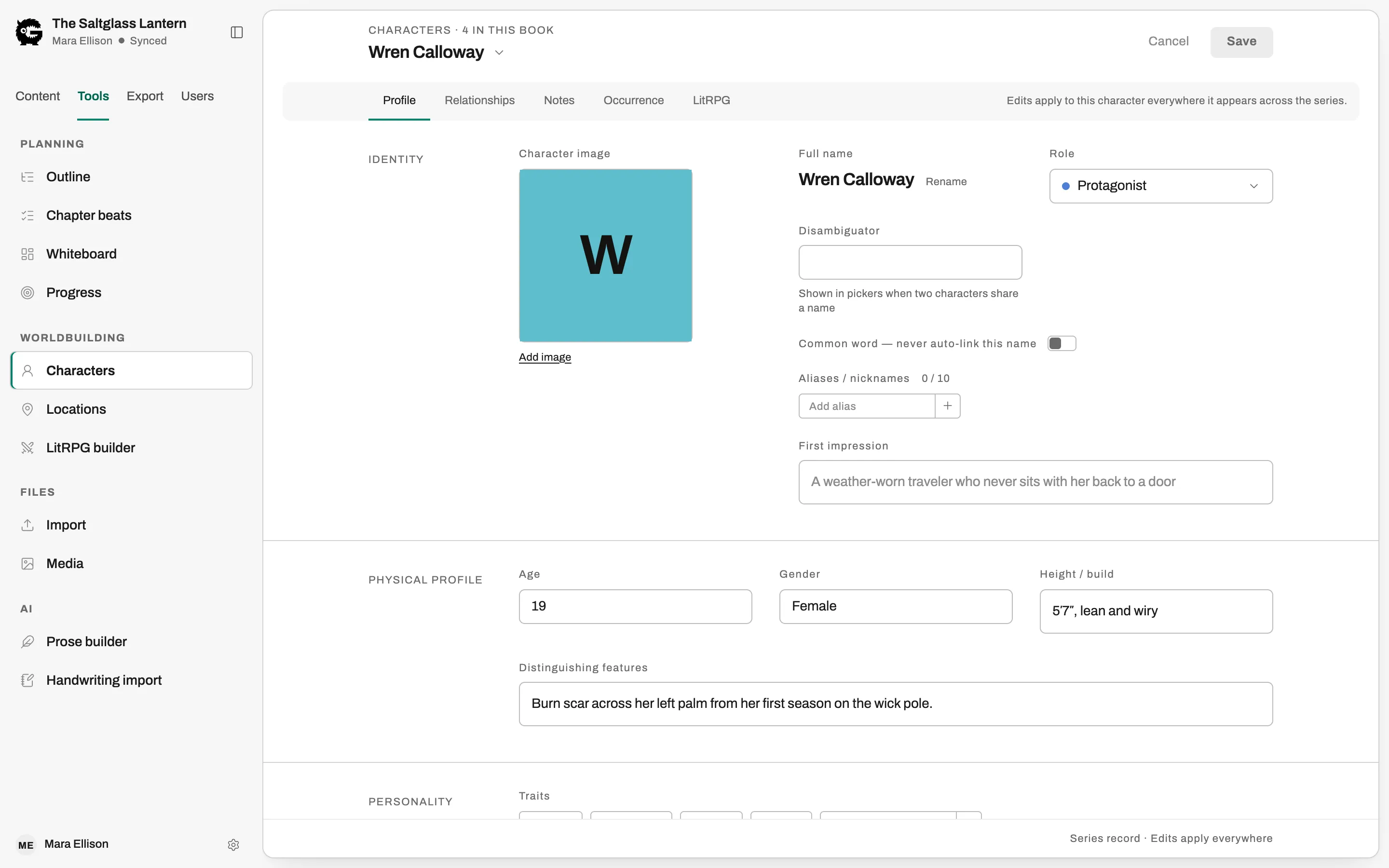
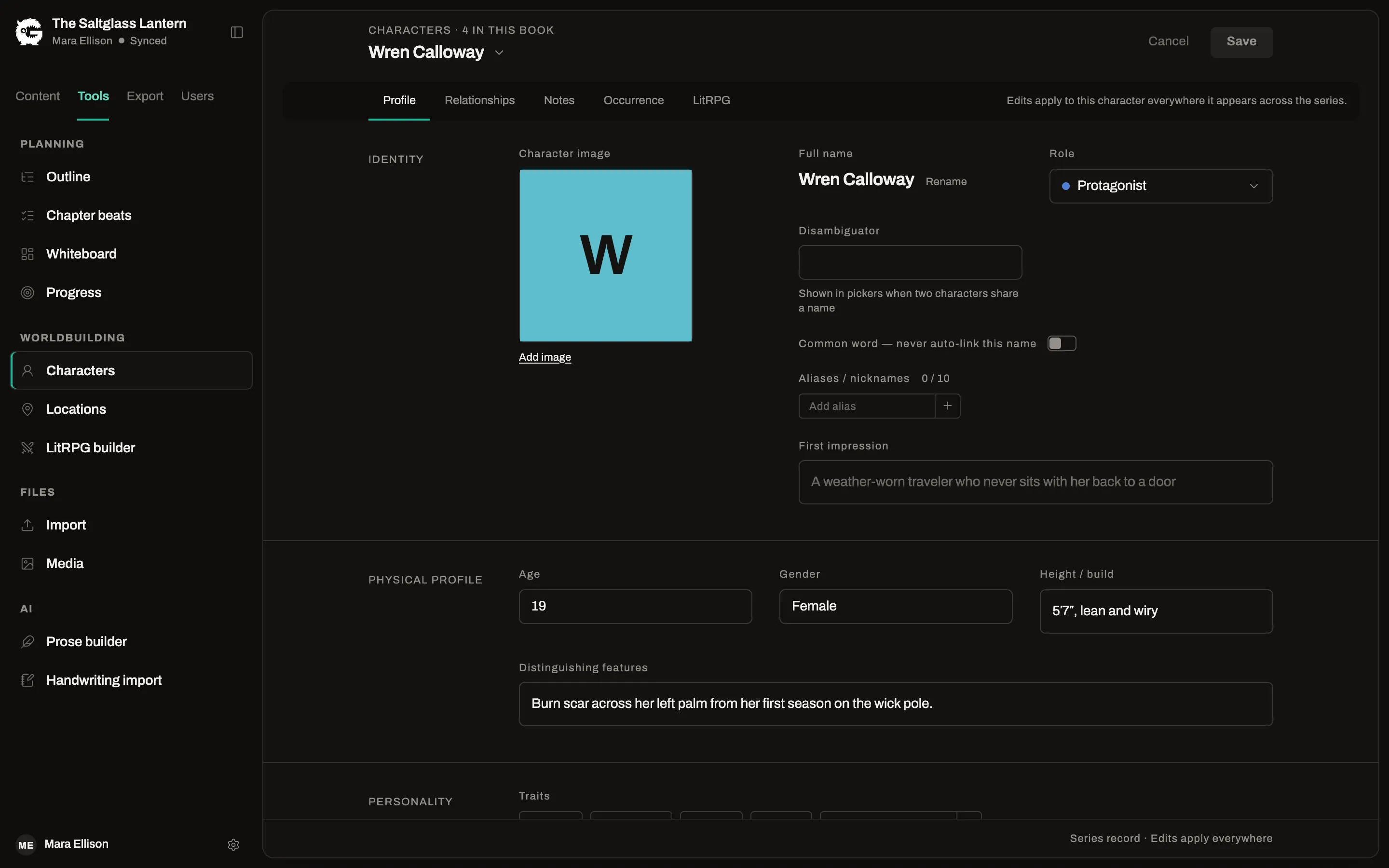
- Character and location pages that know every chapter they appear in
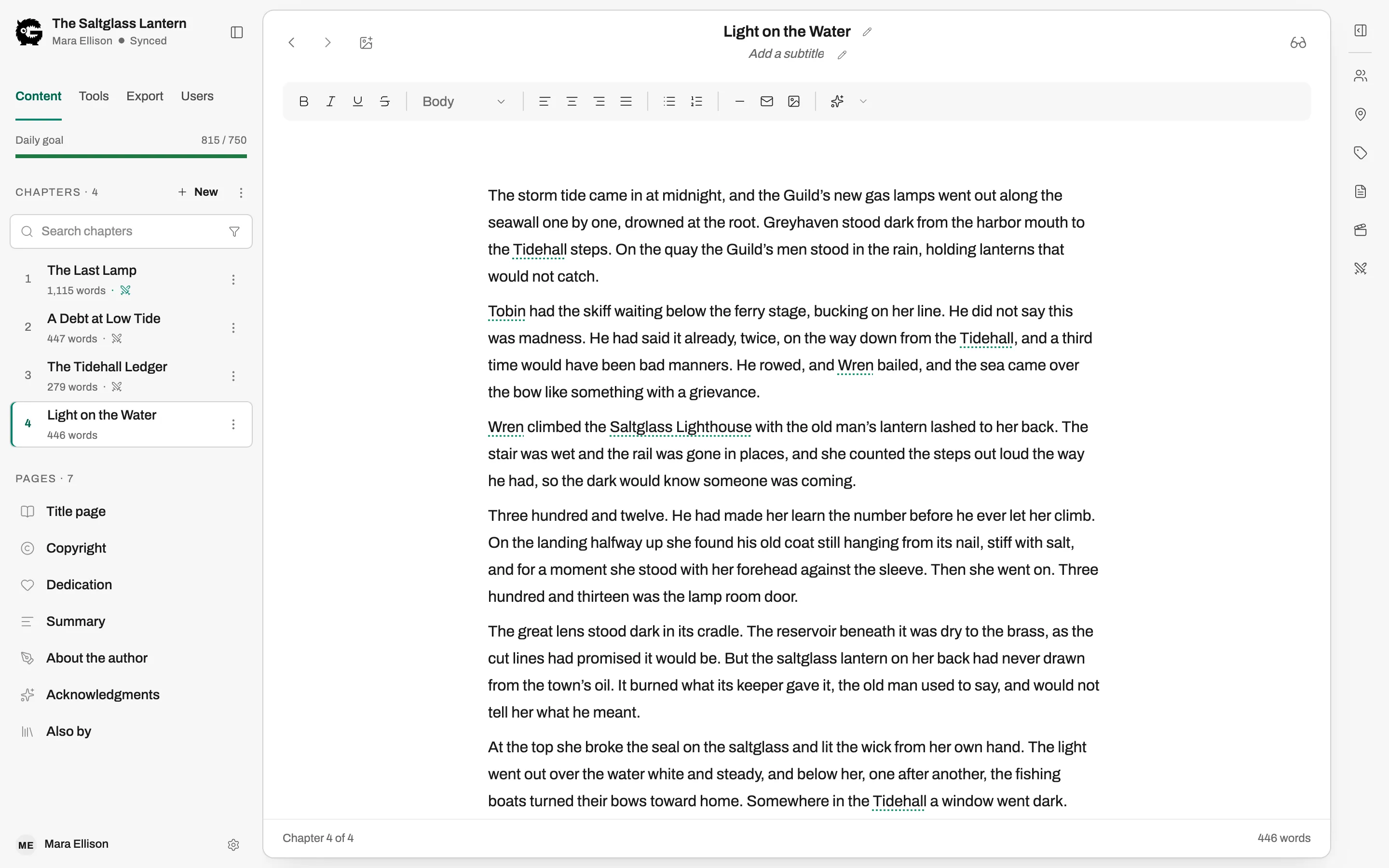
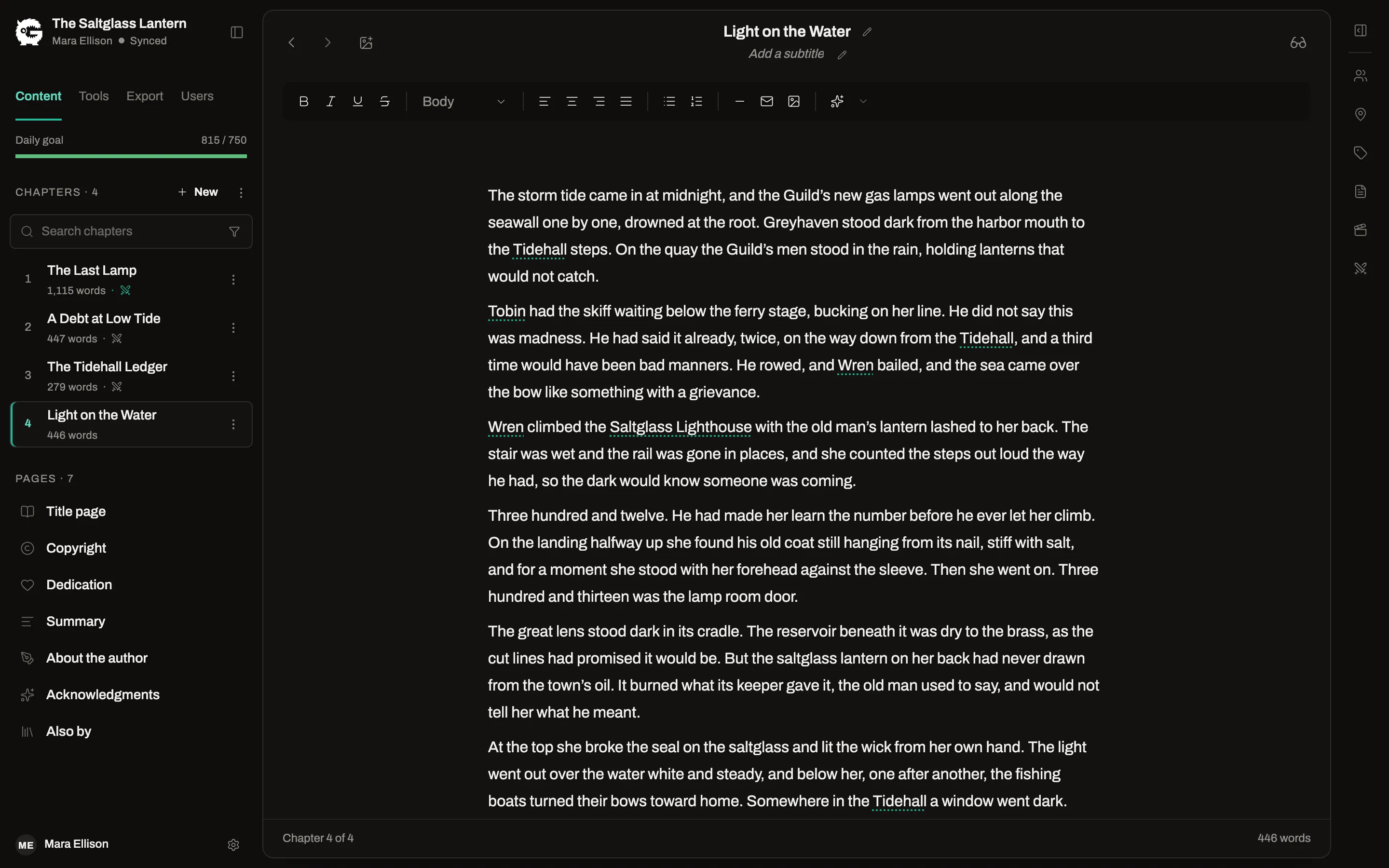
An editor that knows it is a book
Chapters, parts and front matter are separate things, not headings in one long file.
- Names link themselves to your characters as you type
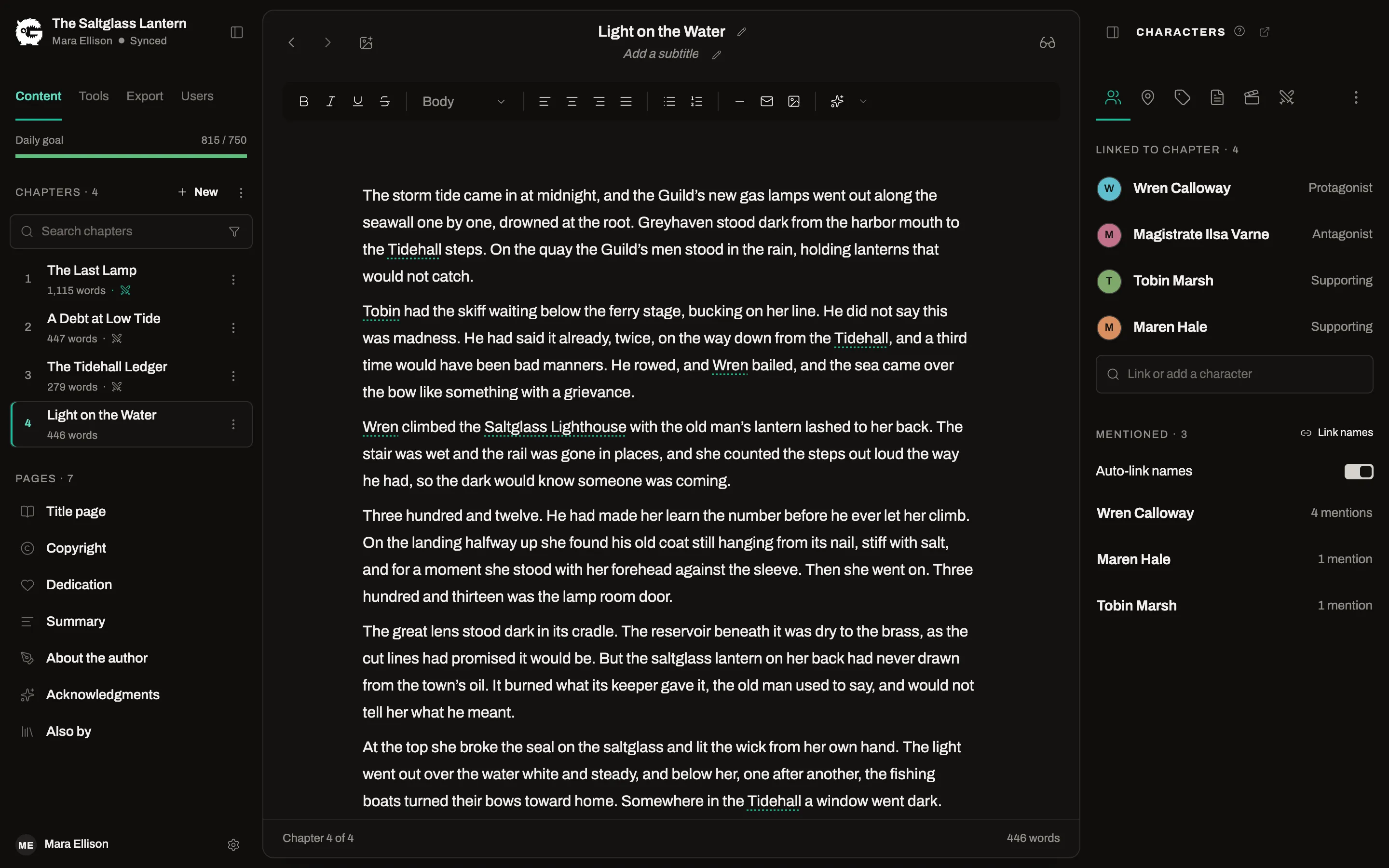
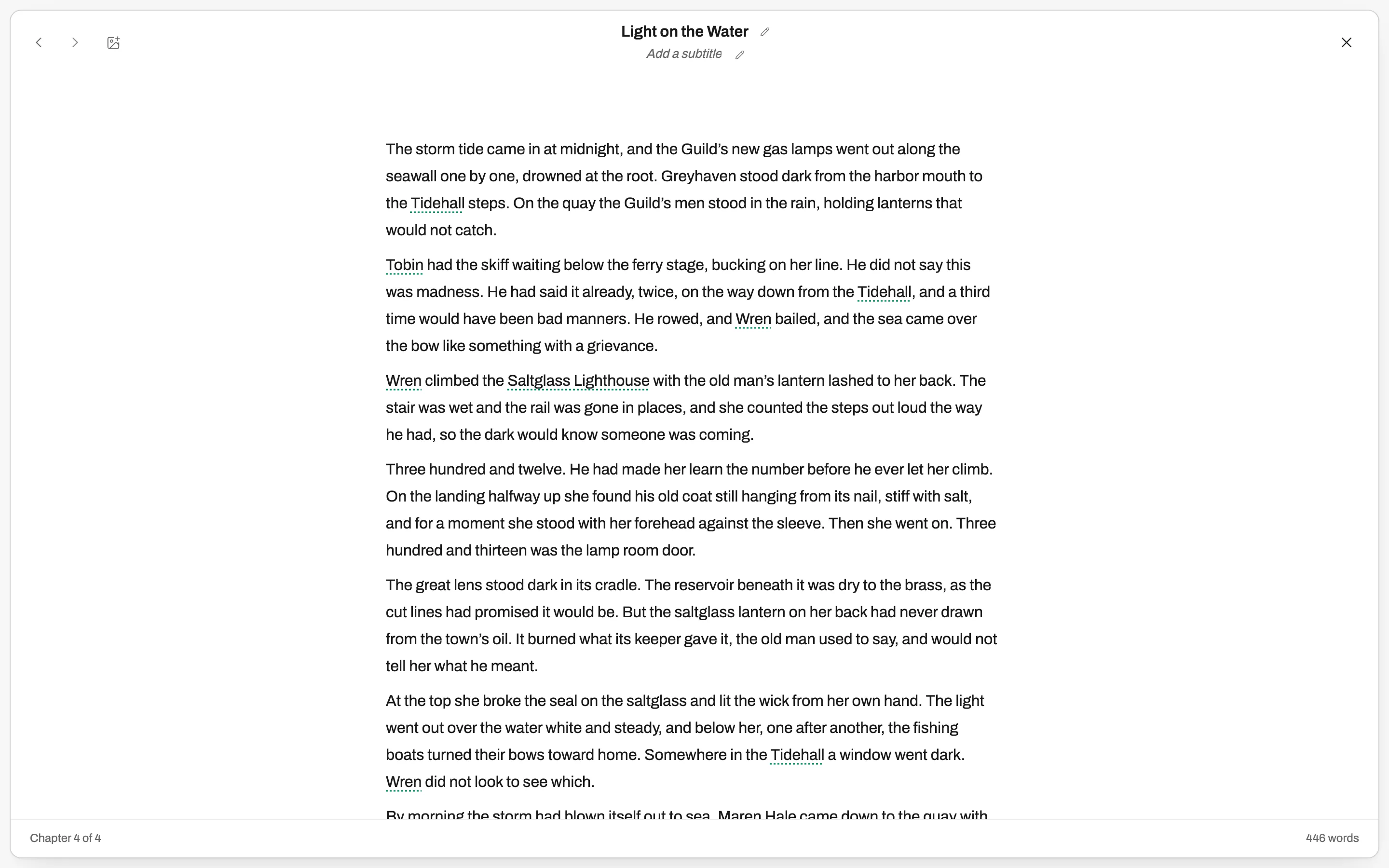
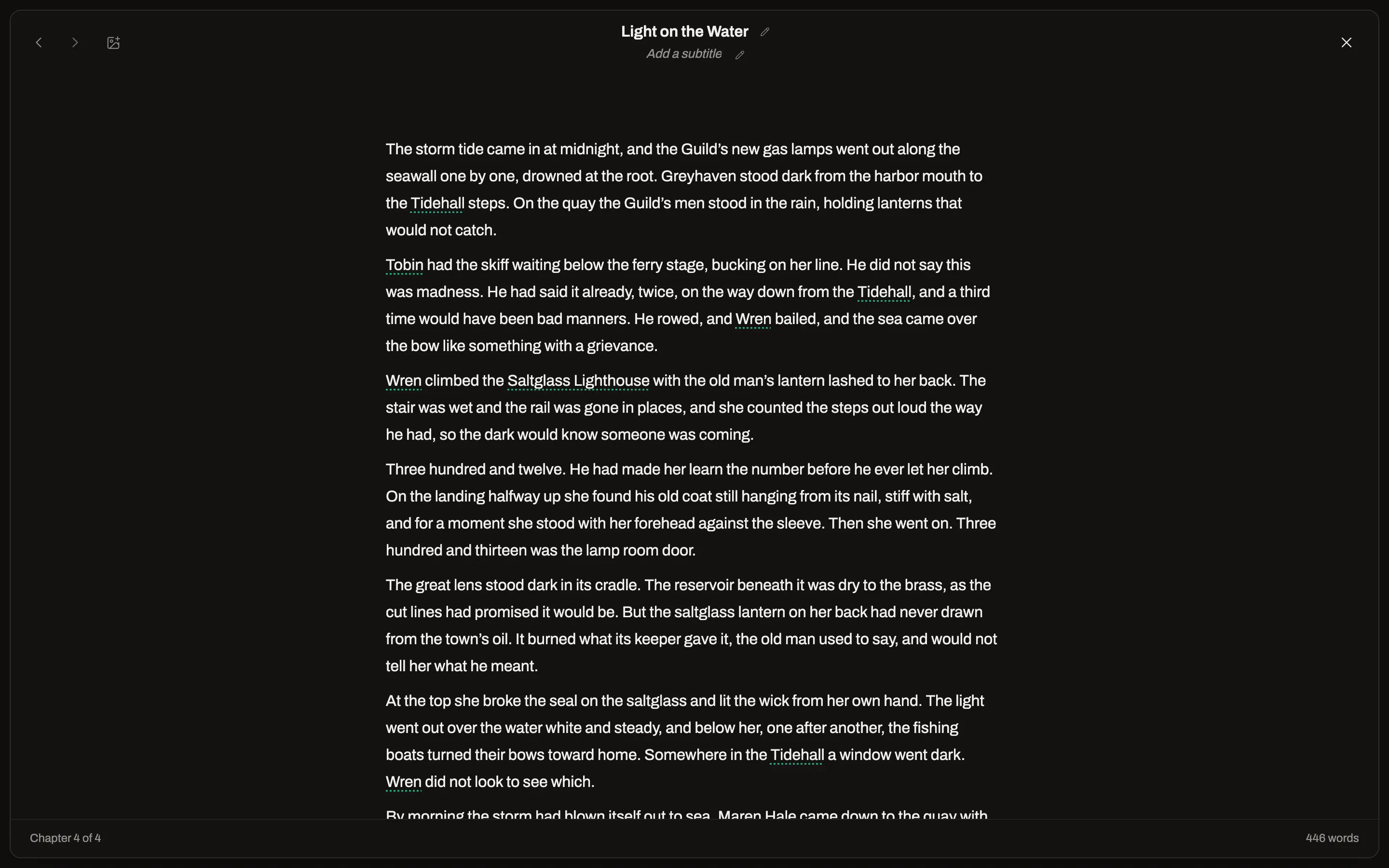
- Focus mode strips the screen down to the page
- A daily word target, a streak and a deadline for each book
Every draft, kept
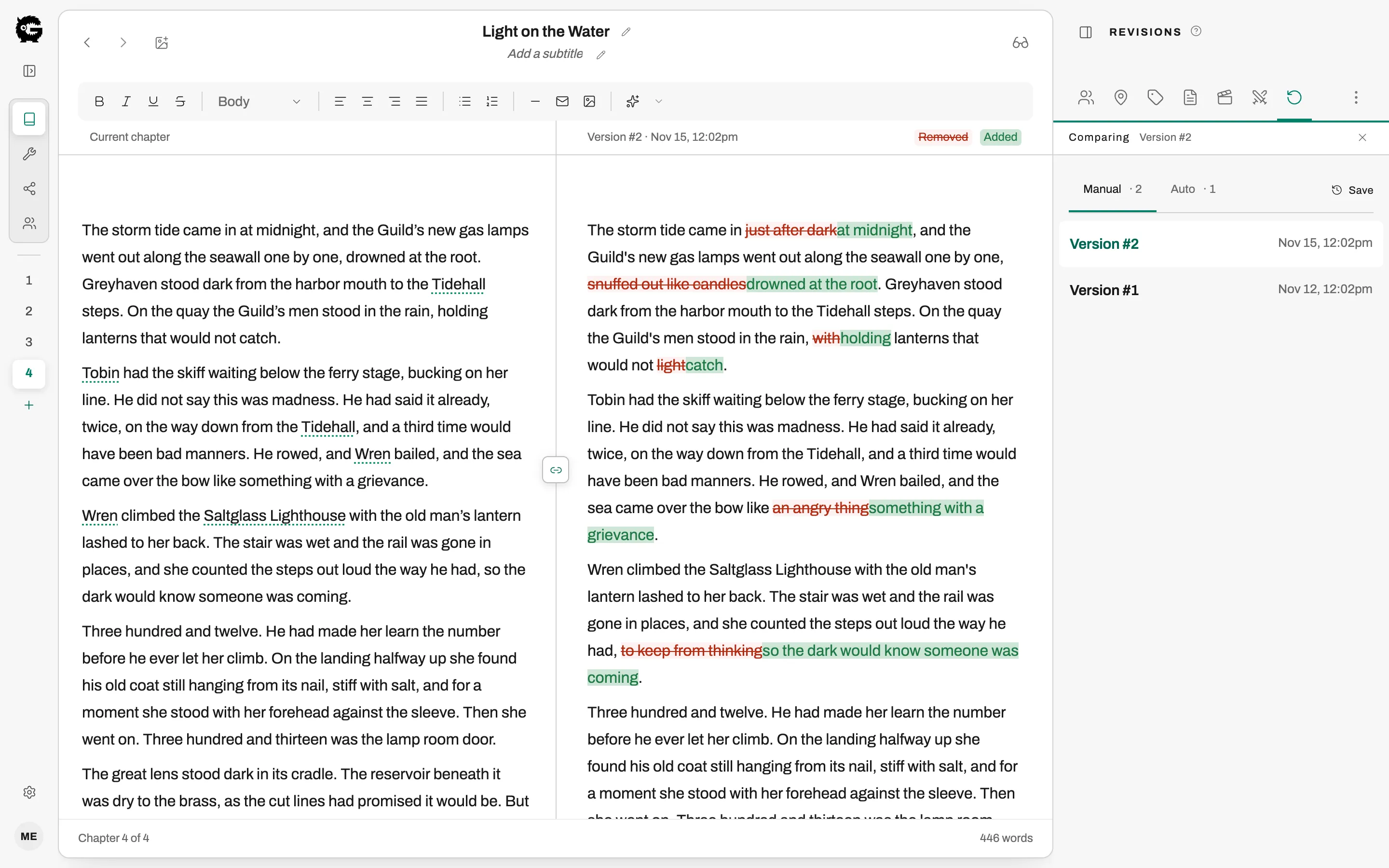
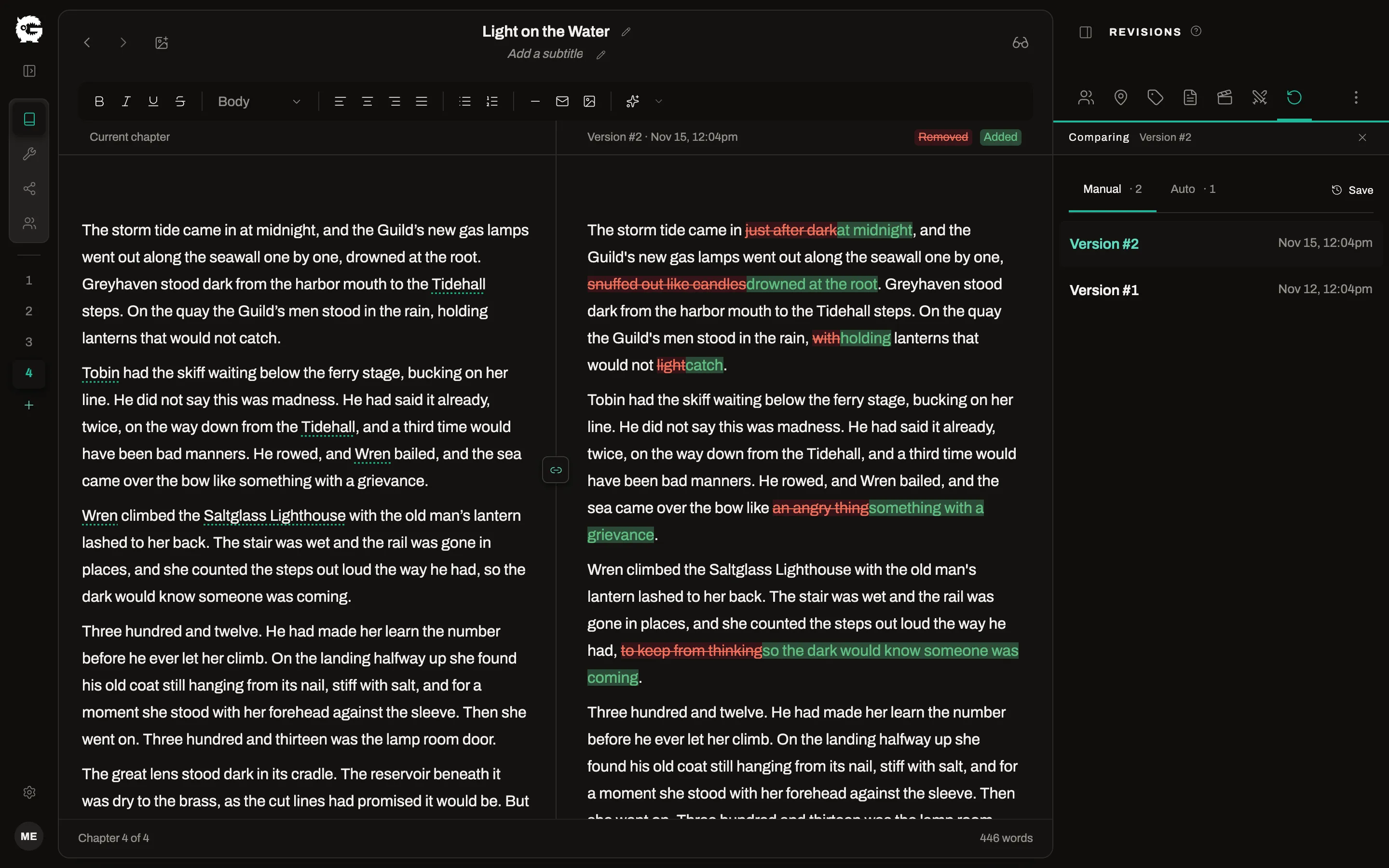
Save a version before the big rewrite. Compare any saved version with the chapter as it is now, word by word, and restore it.
- Saved revisions you can compare and restore
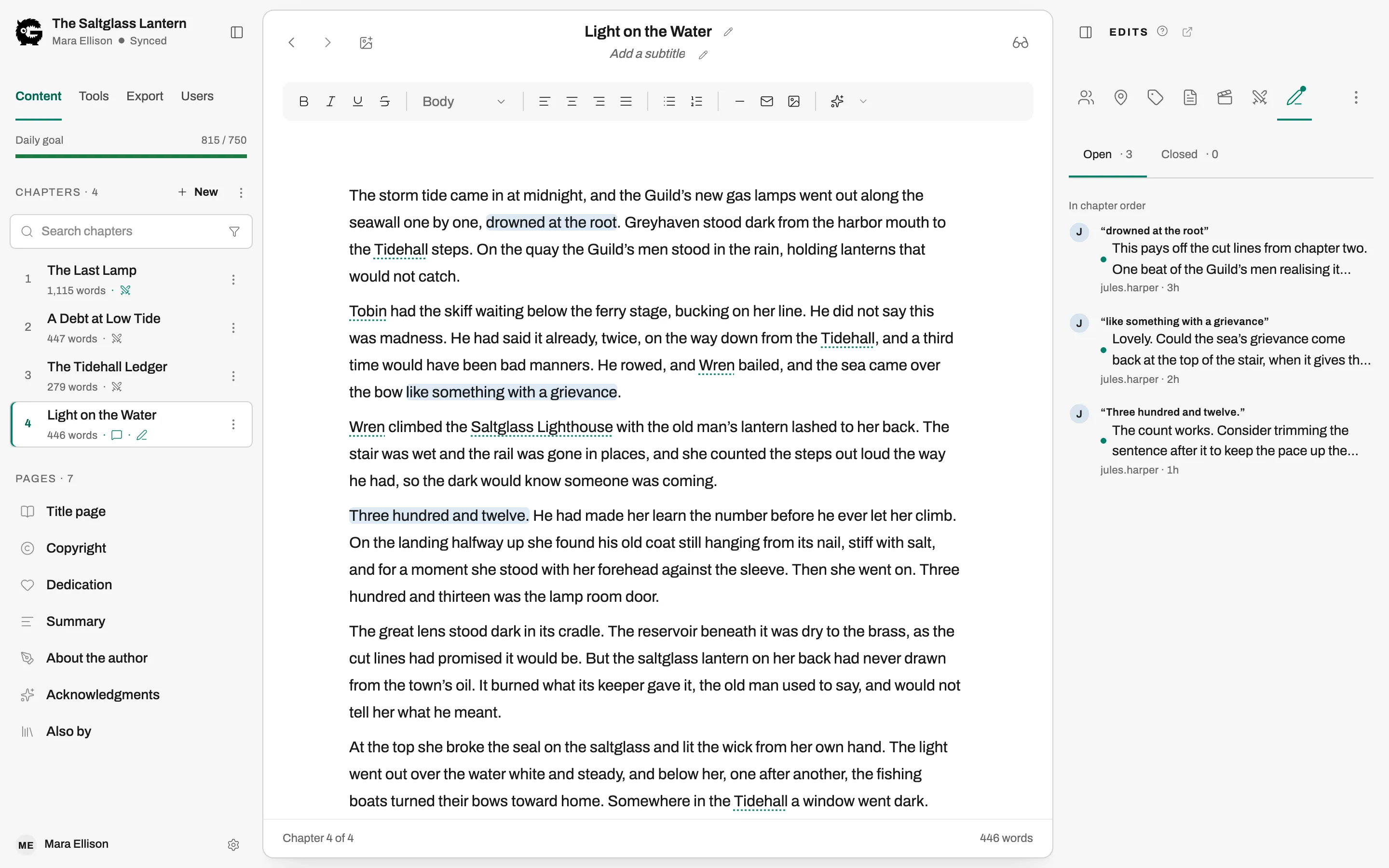
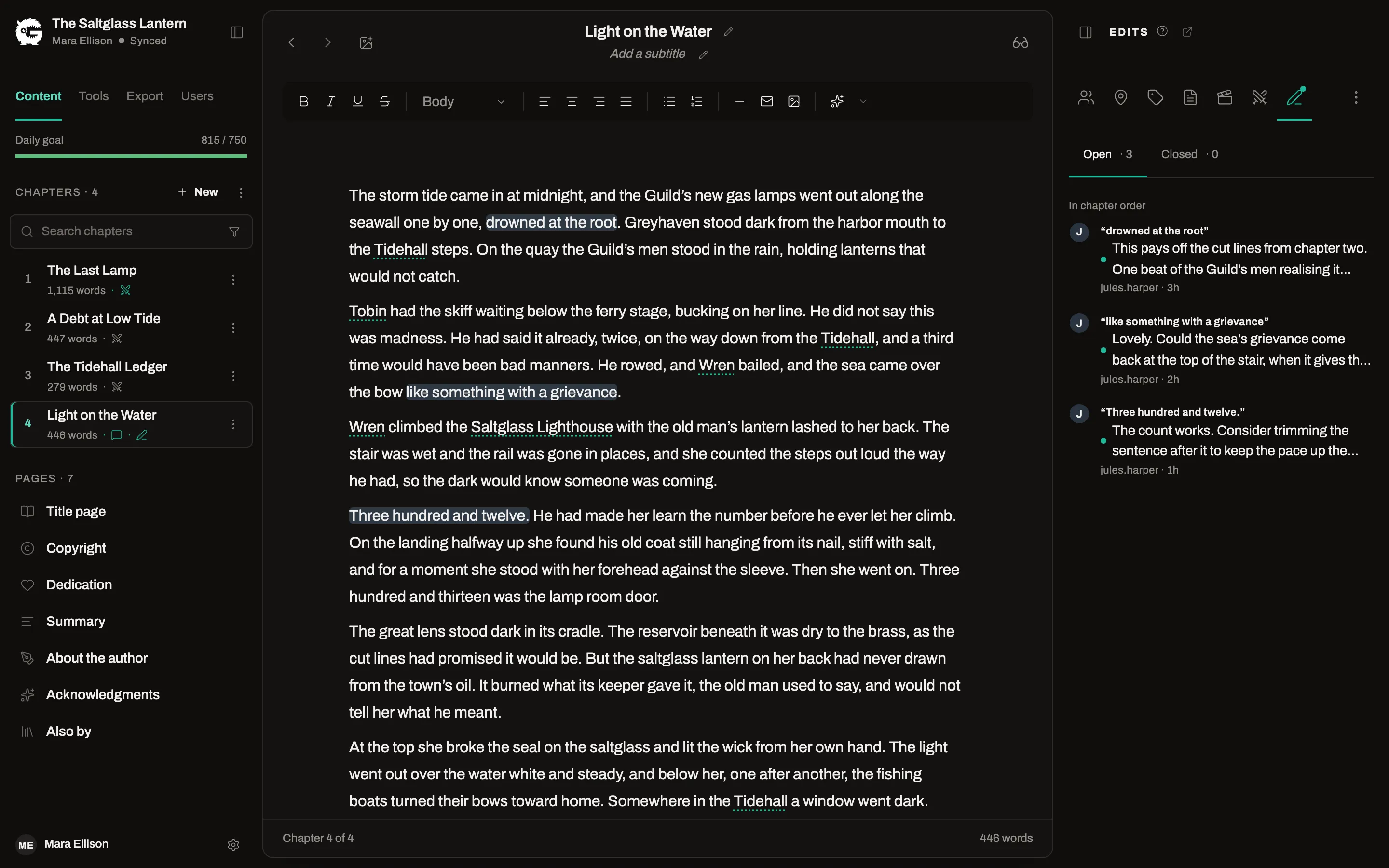
- Invite an editor to comment or redraftPro
- Beta readers get a reading view and a feedback formPro
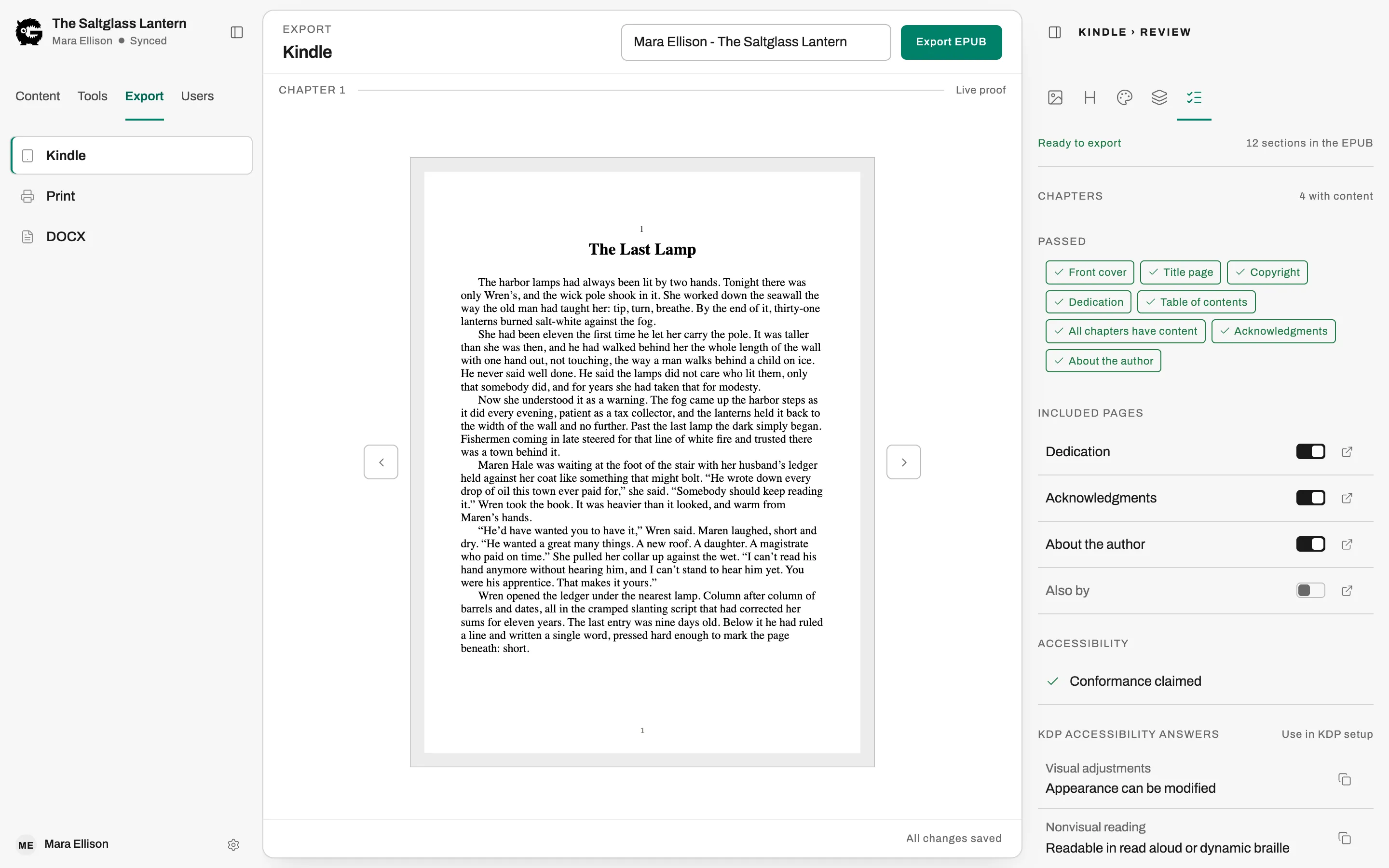
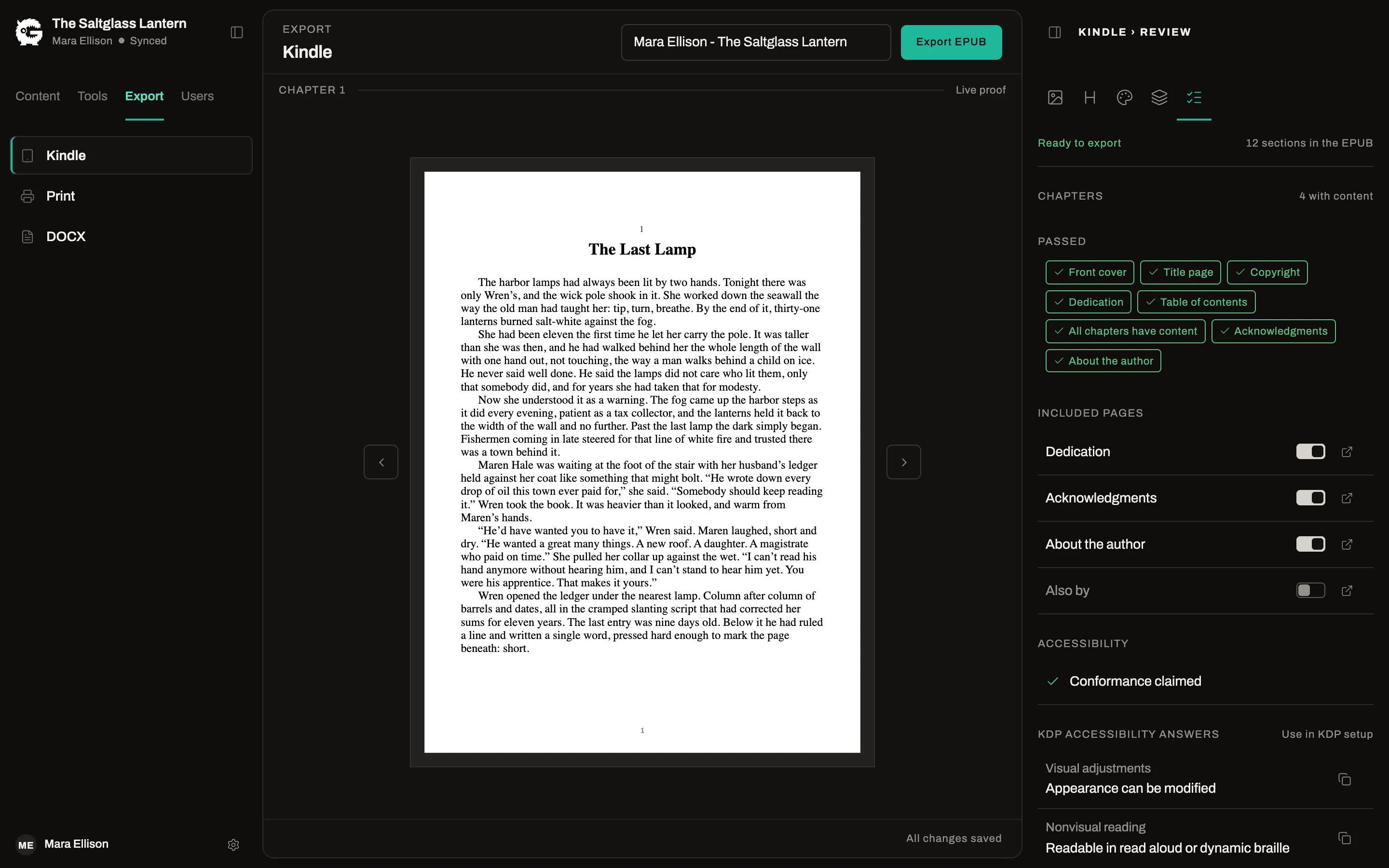
Typeset once. Export any time.
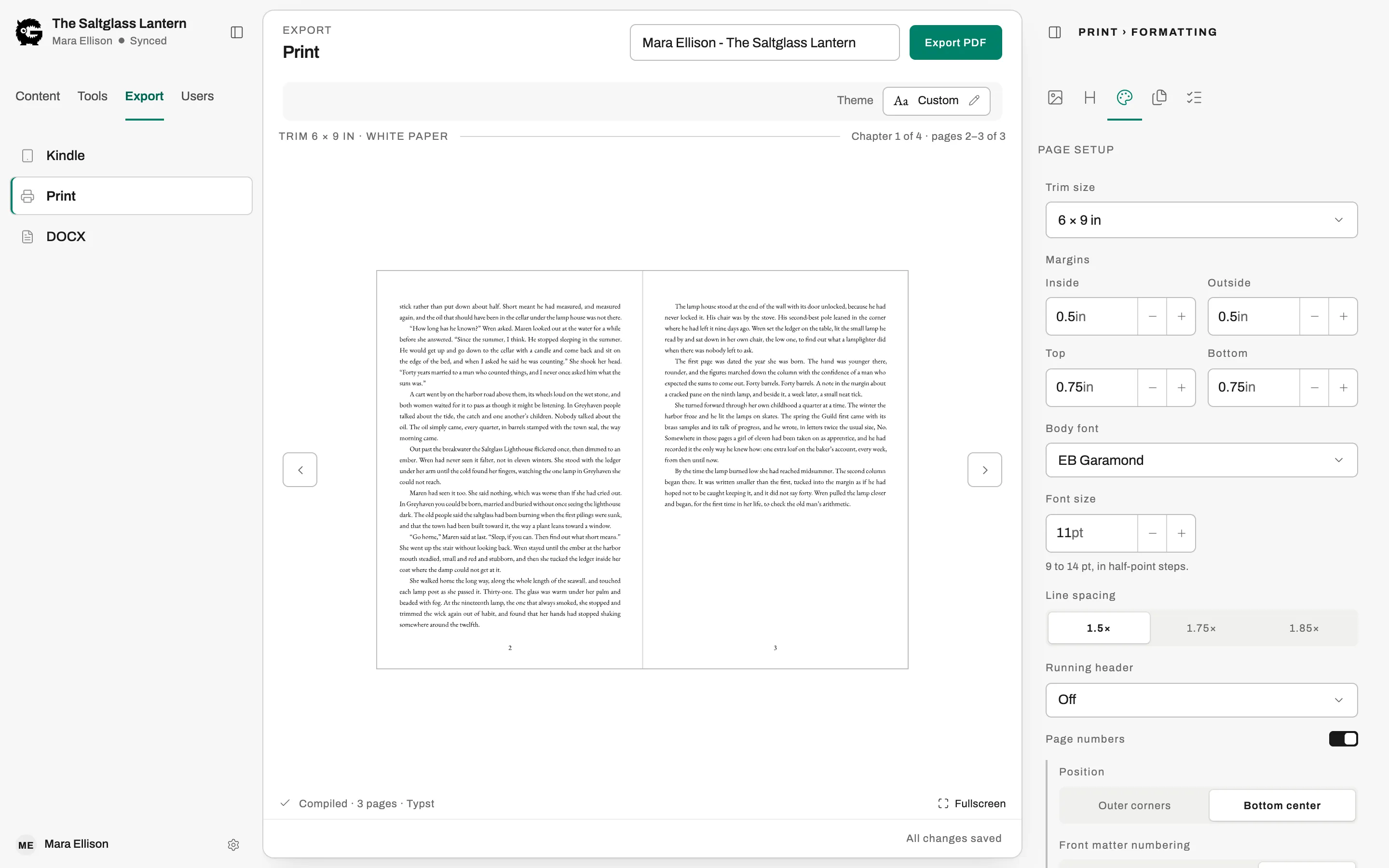
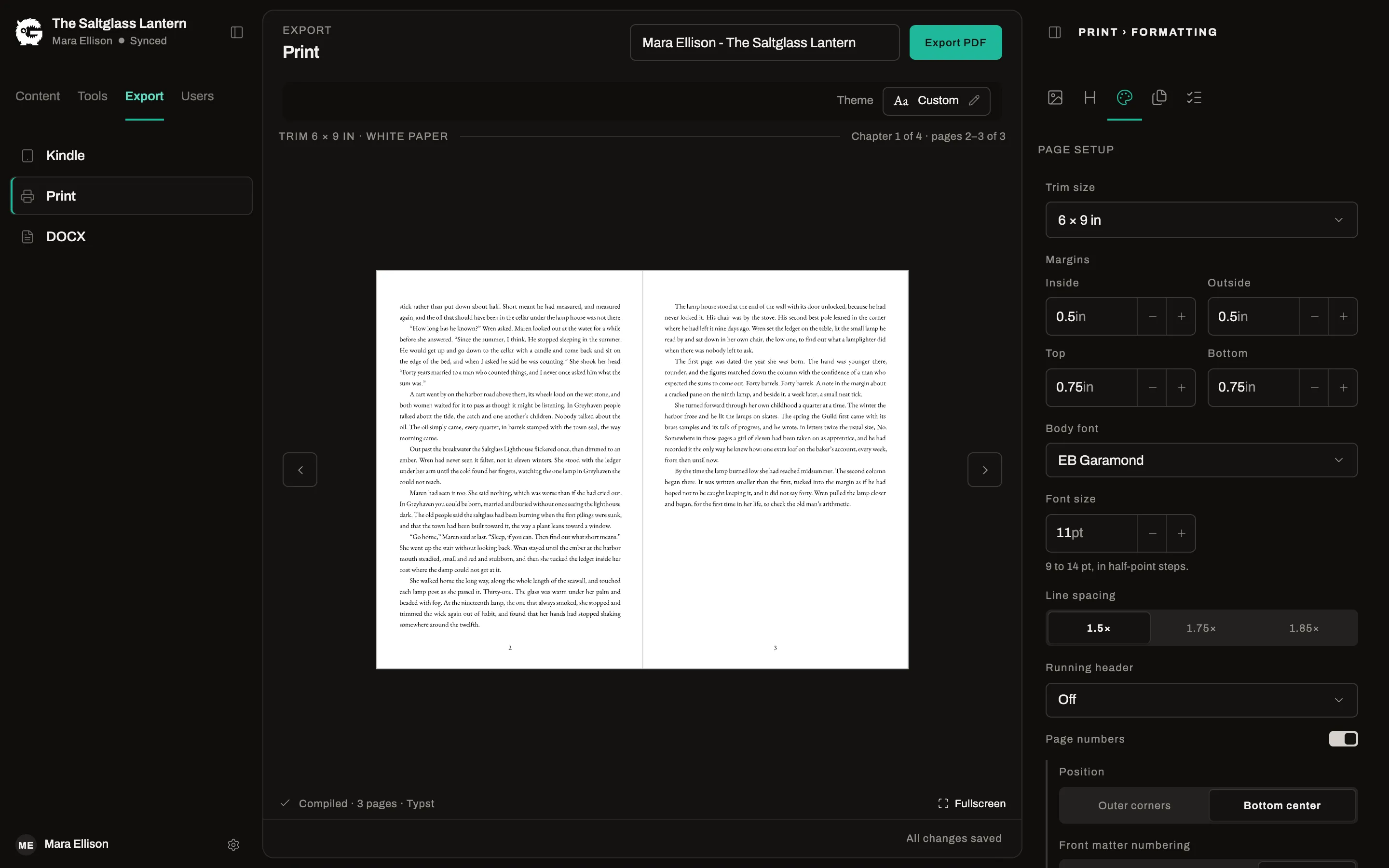
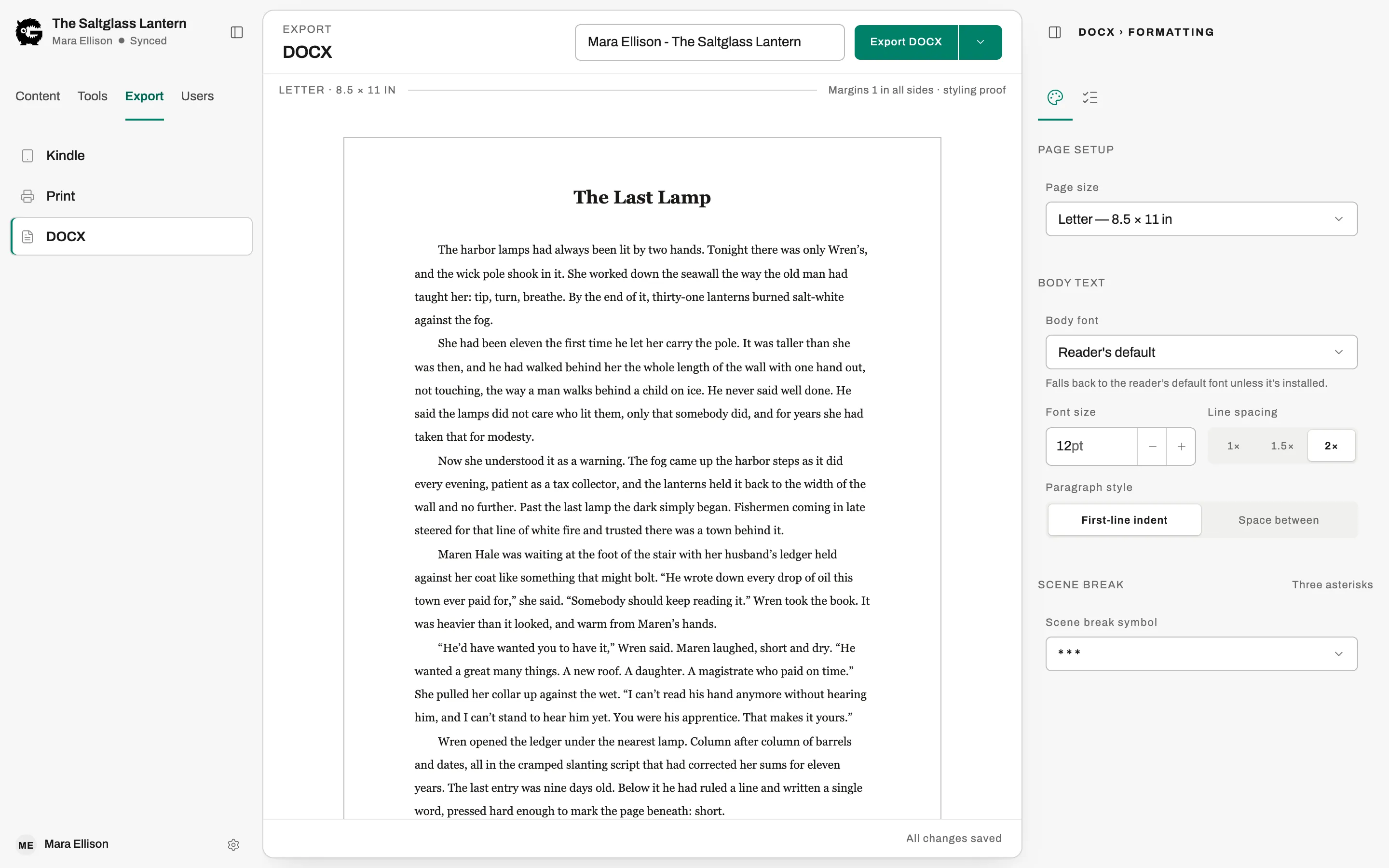
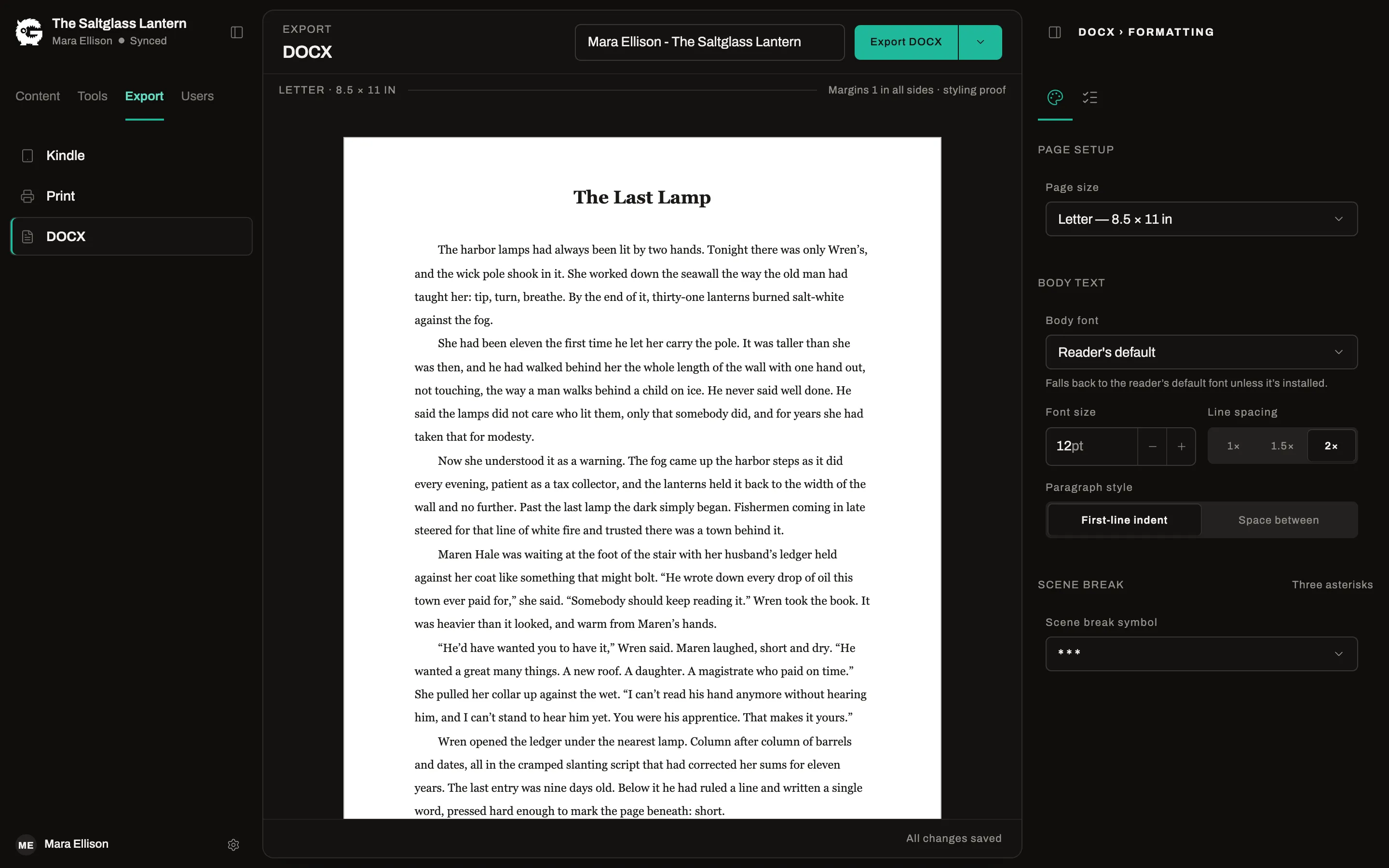
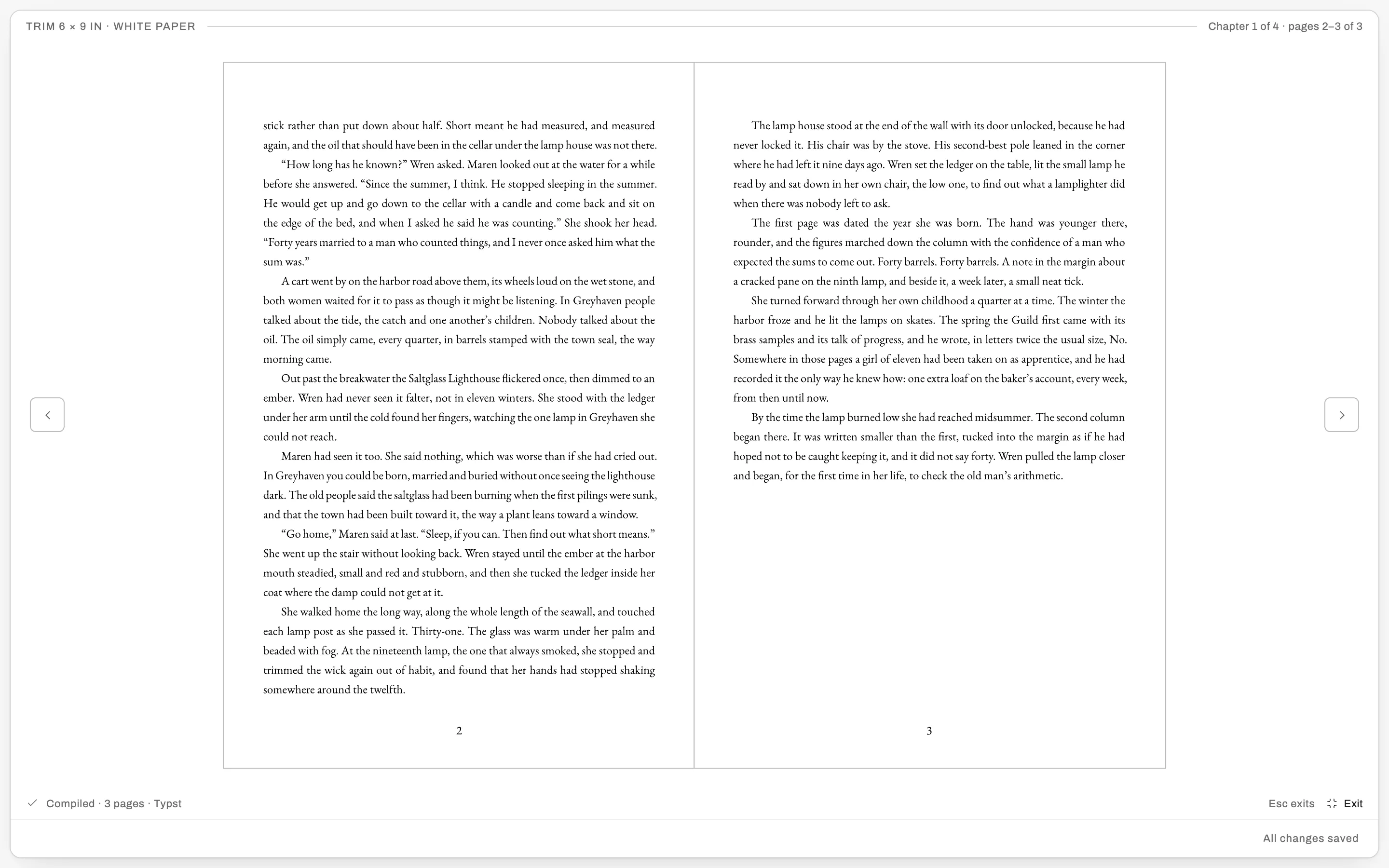
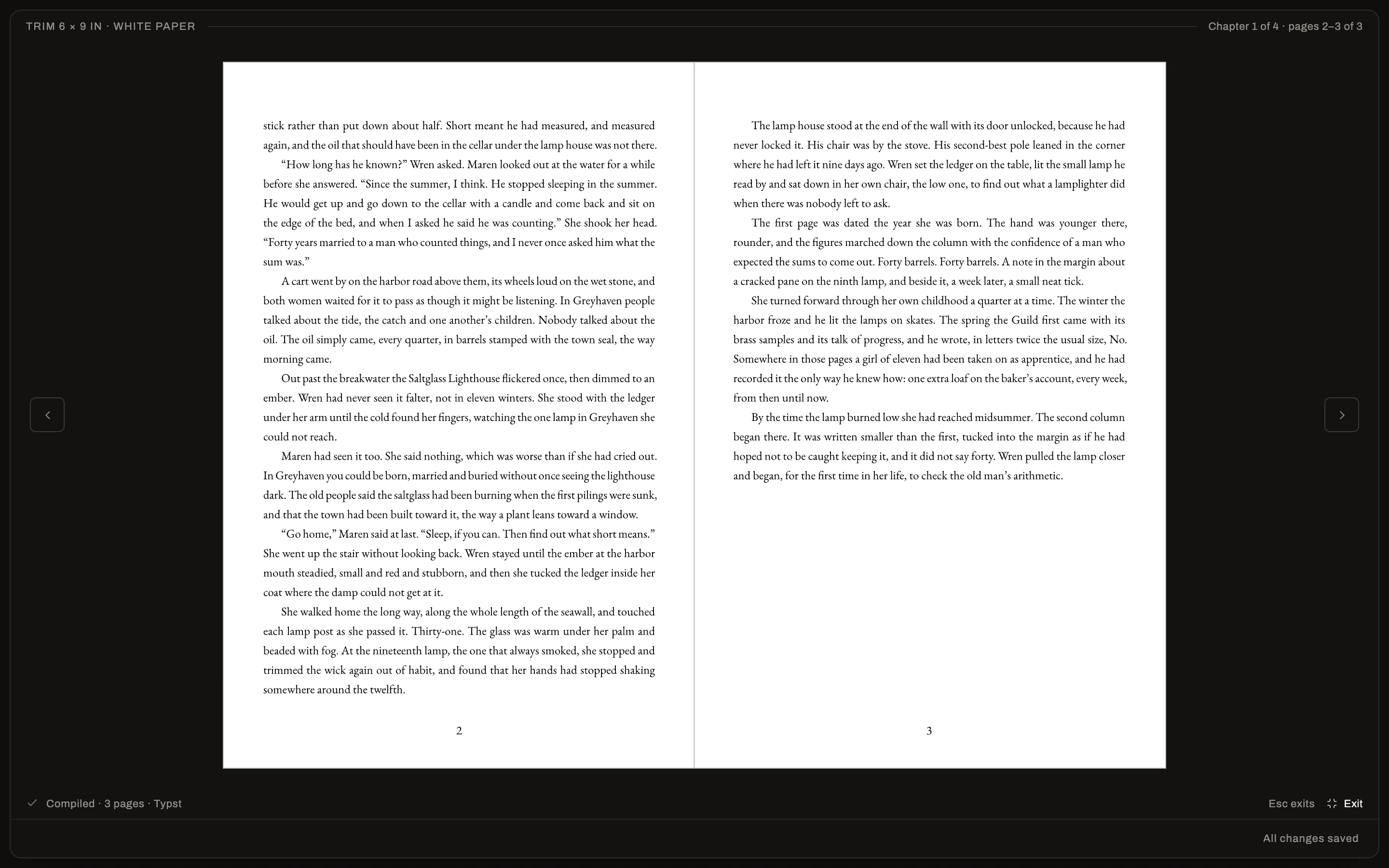
Choose a theme, set the trim size, add your cover. A fix in chapter nine is a fix everywhere.
- A print-ready PDF at your trim size, with a page-through previewPro
- A clean EPUB for Kindle and every other store
- A list of what needs fixing before export, each with a link
Formatting
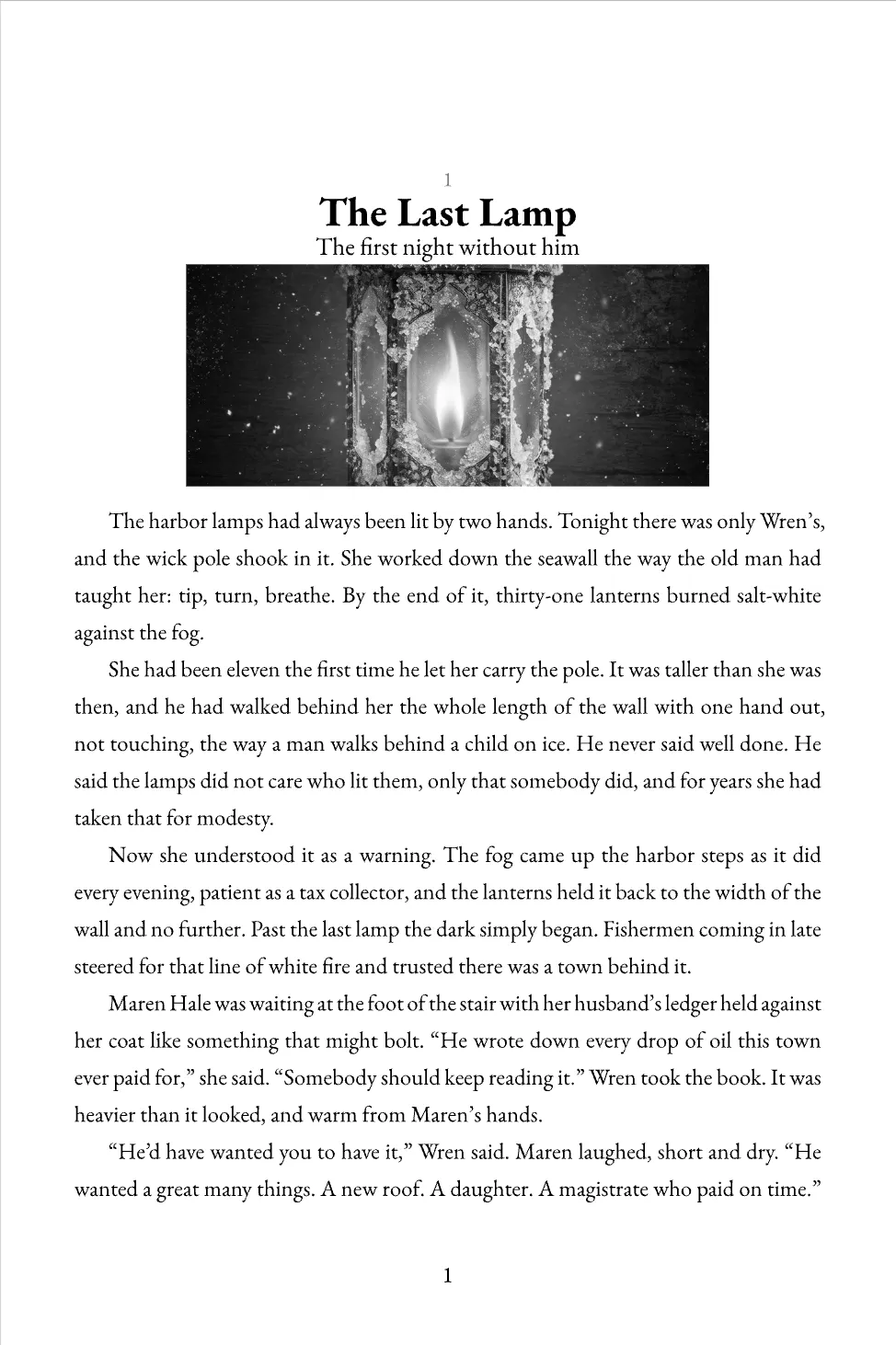
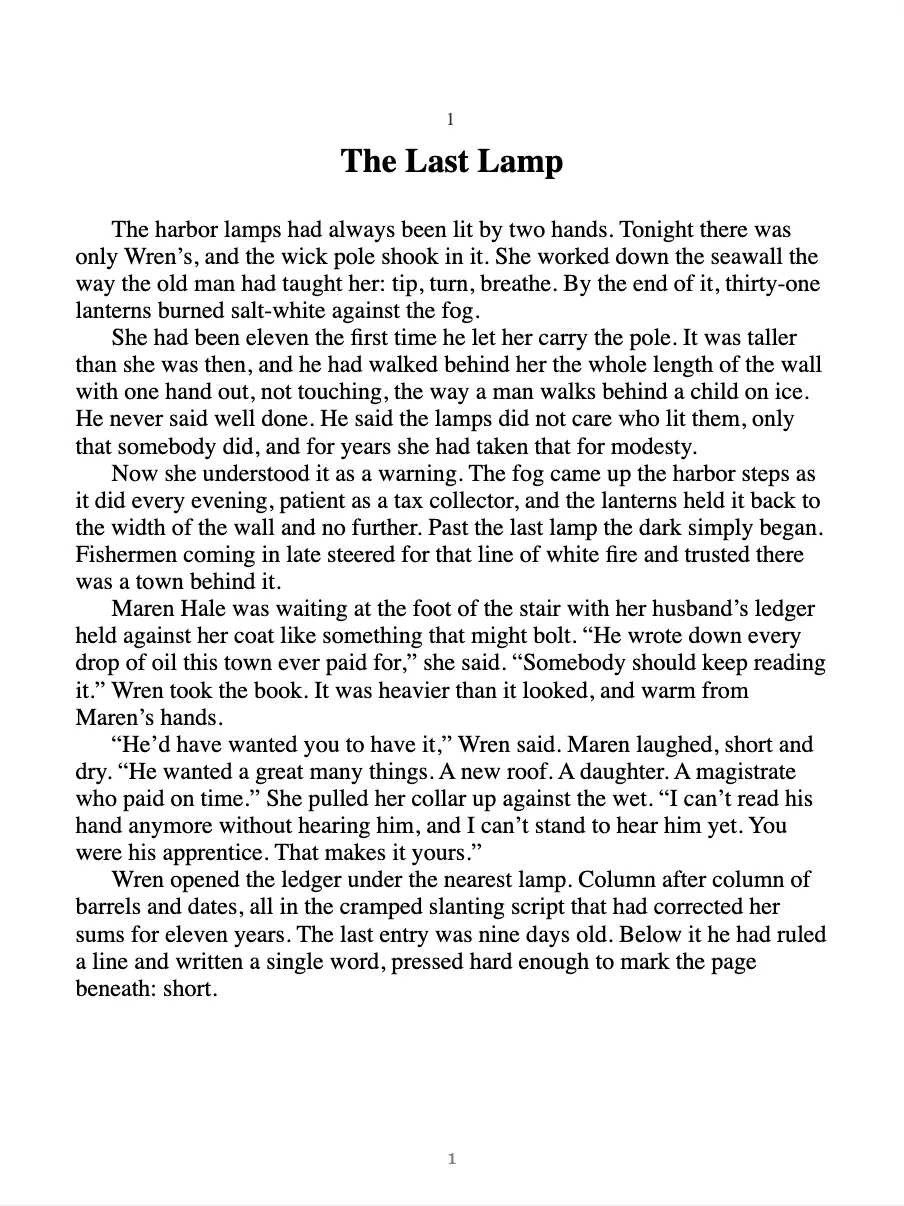
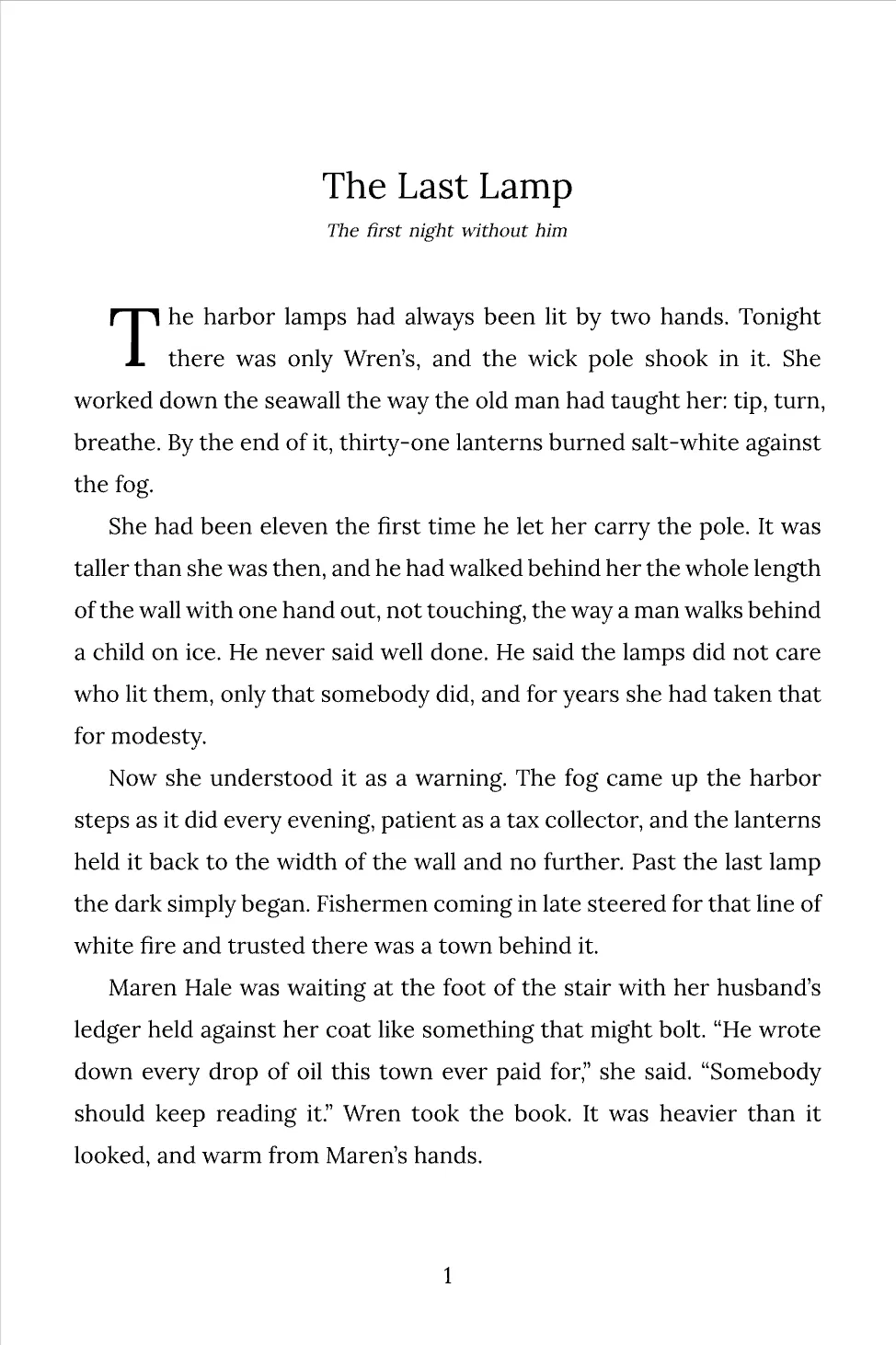
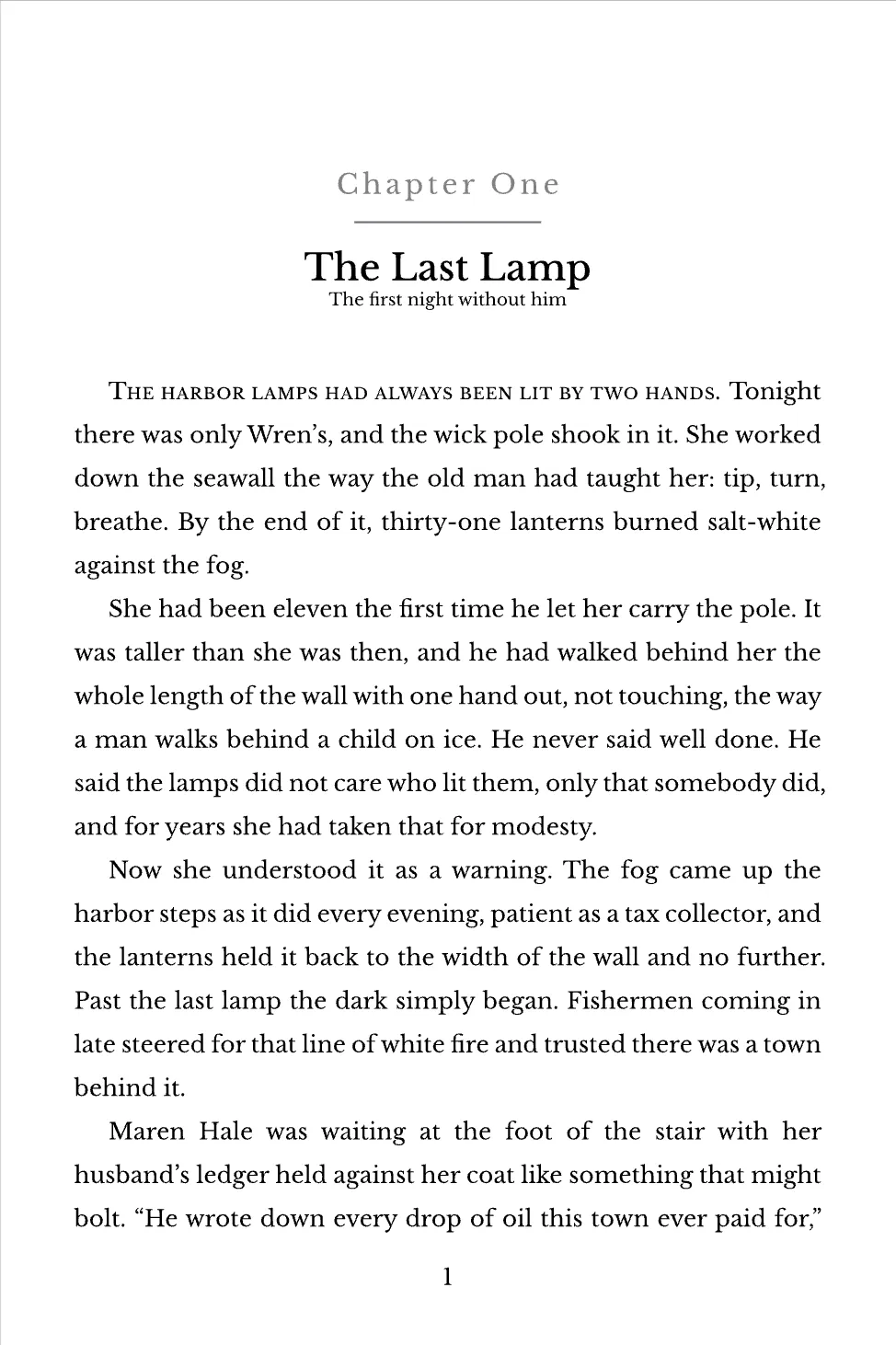
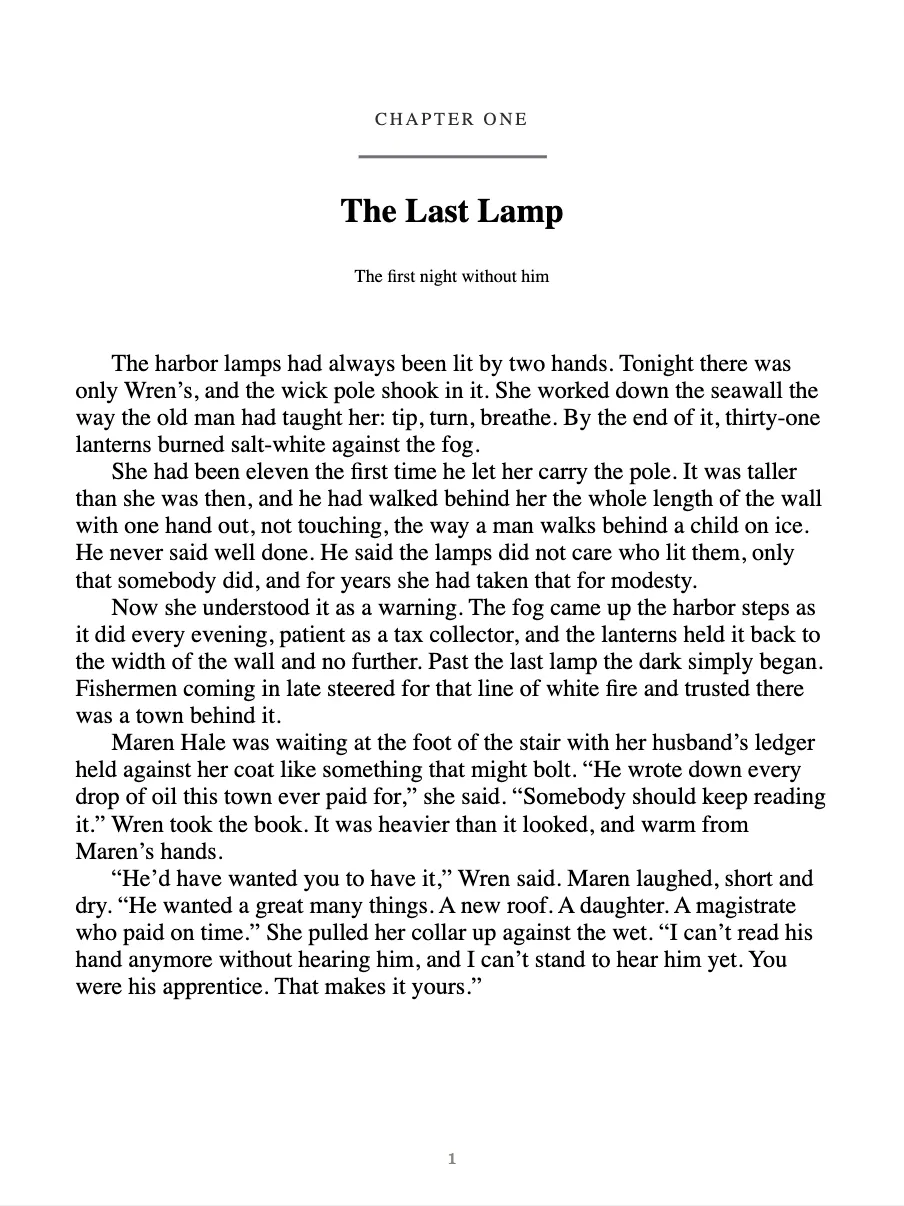
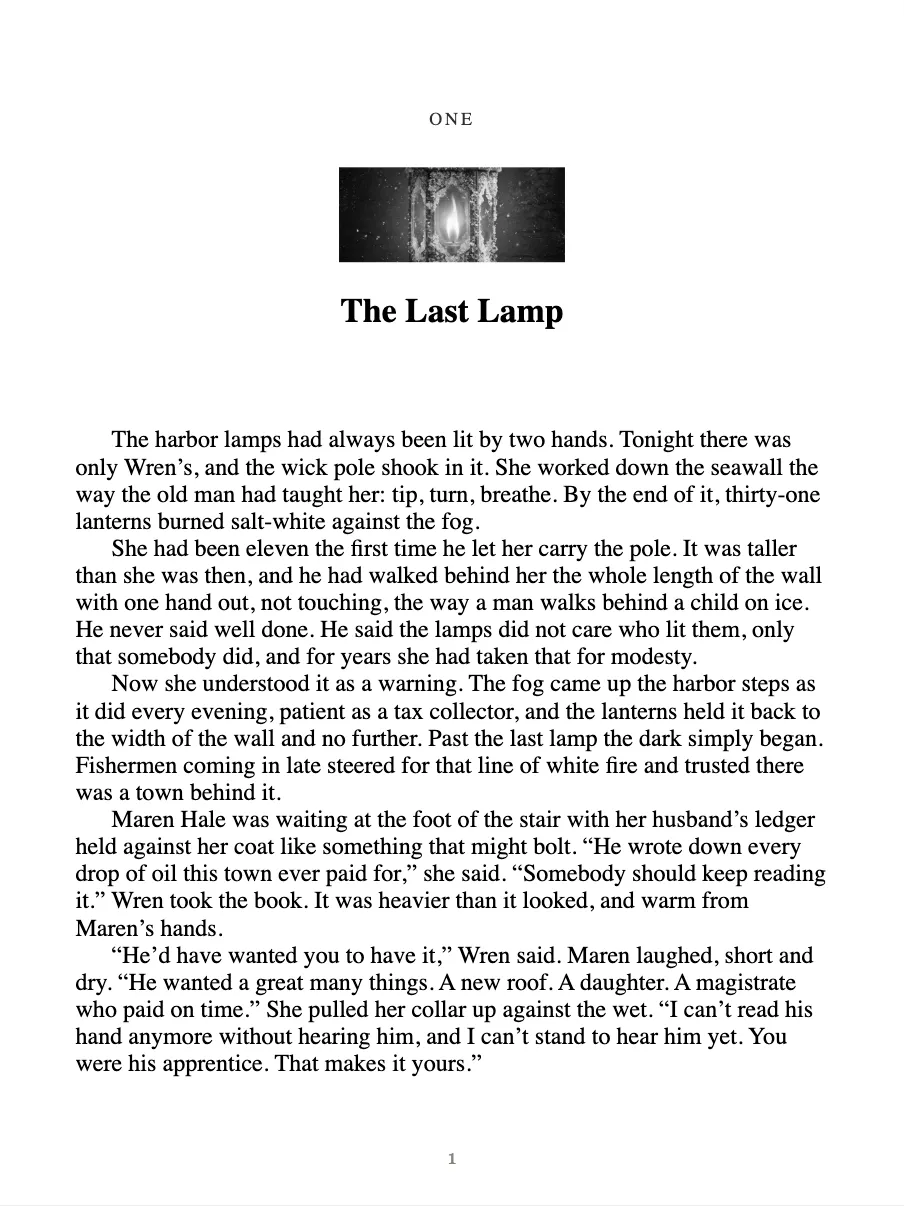
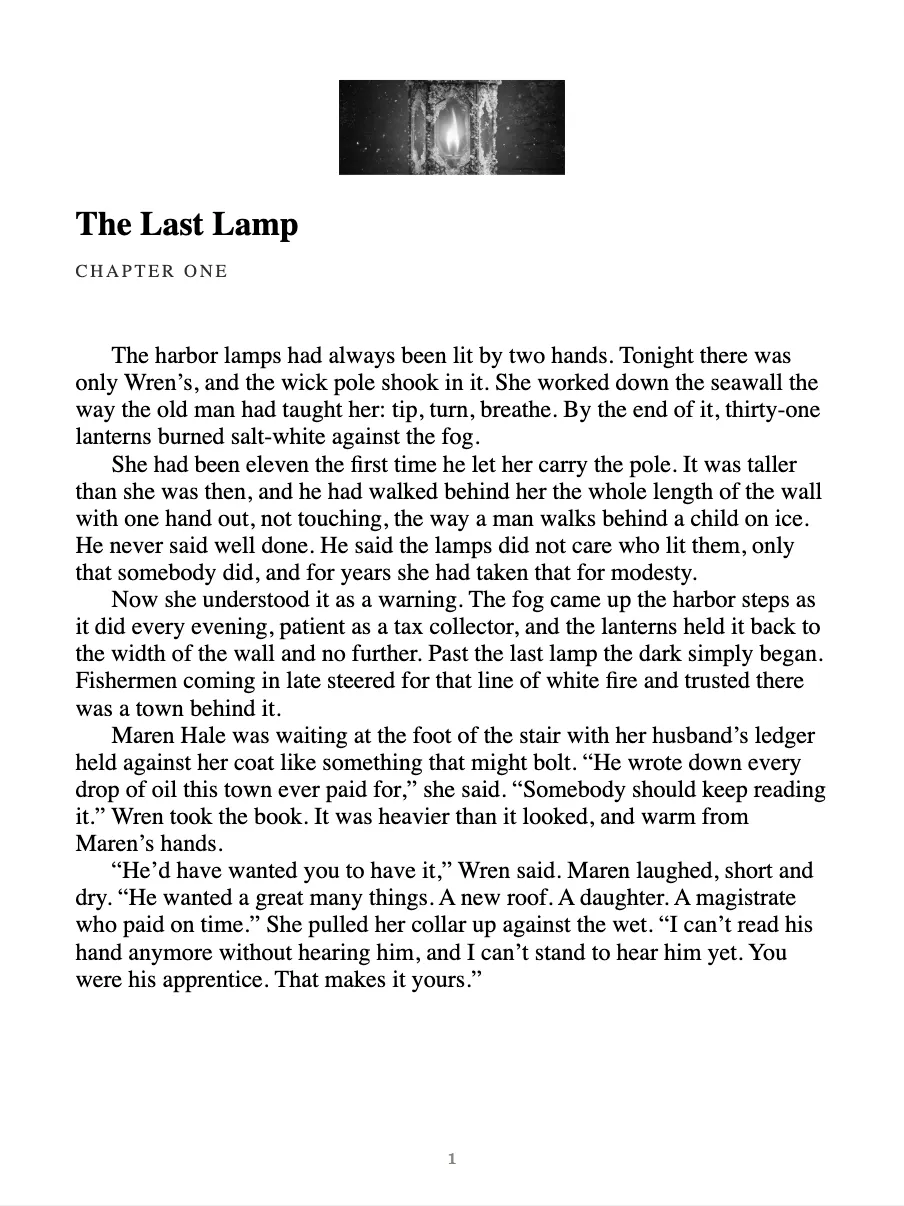
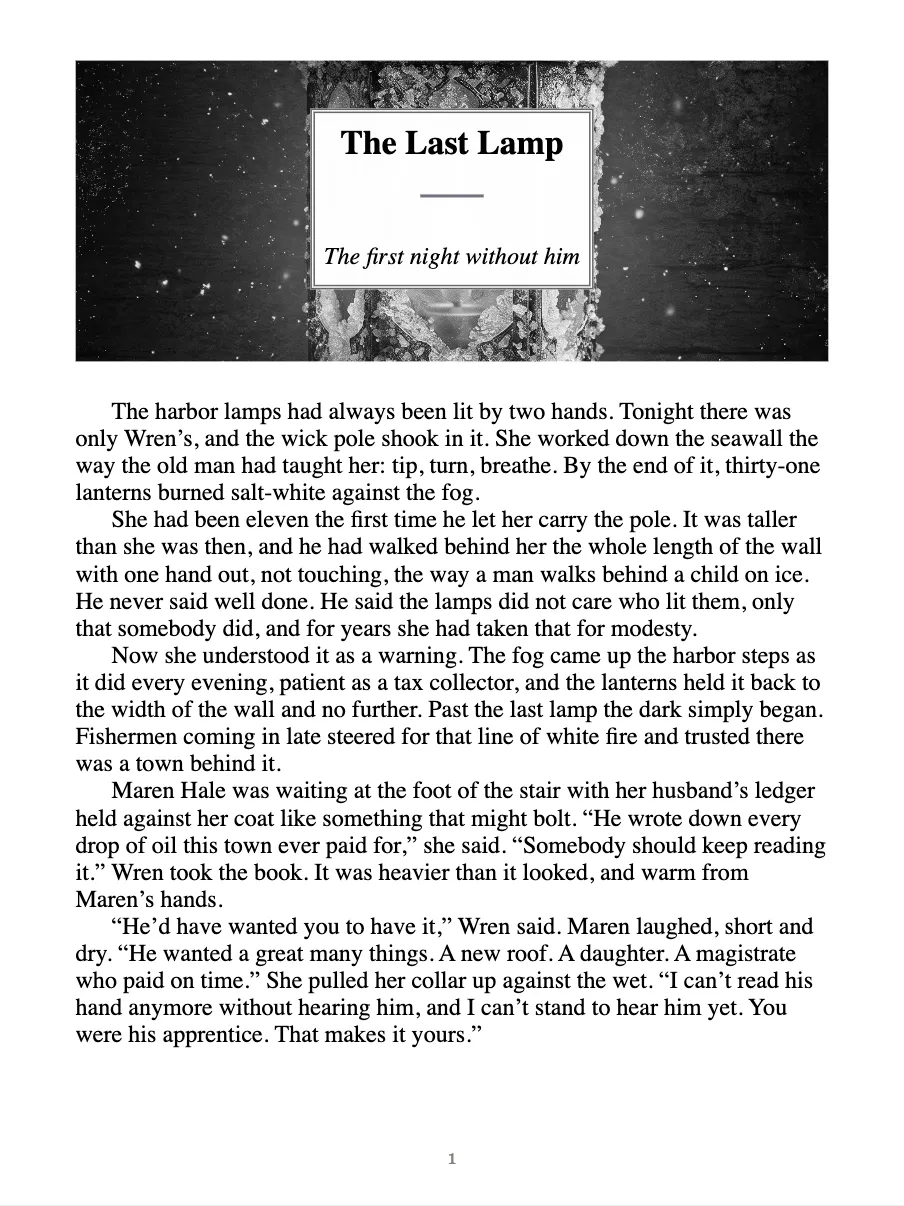
Same chapter. A different book.
Choose how each chapter opens: the number, title and subtitle in any order, a drop cap or a first line in small caps, and a header image inline, as a banner or behind a bordered title. Pick the fonts with a theme, change any of it later and export again.
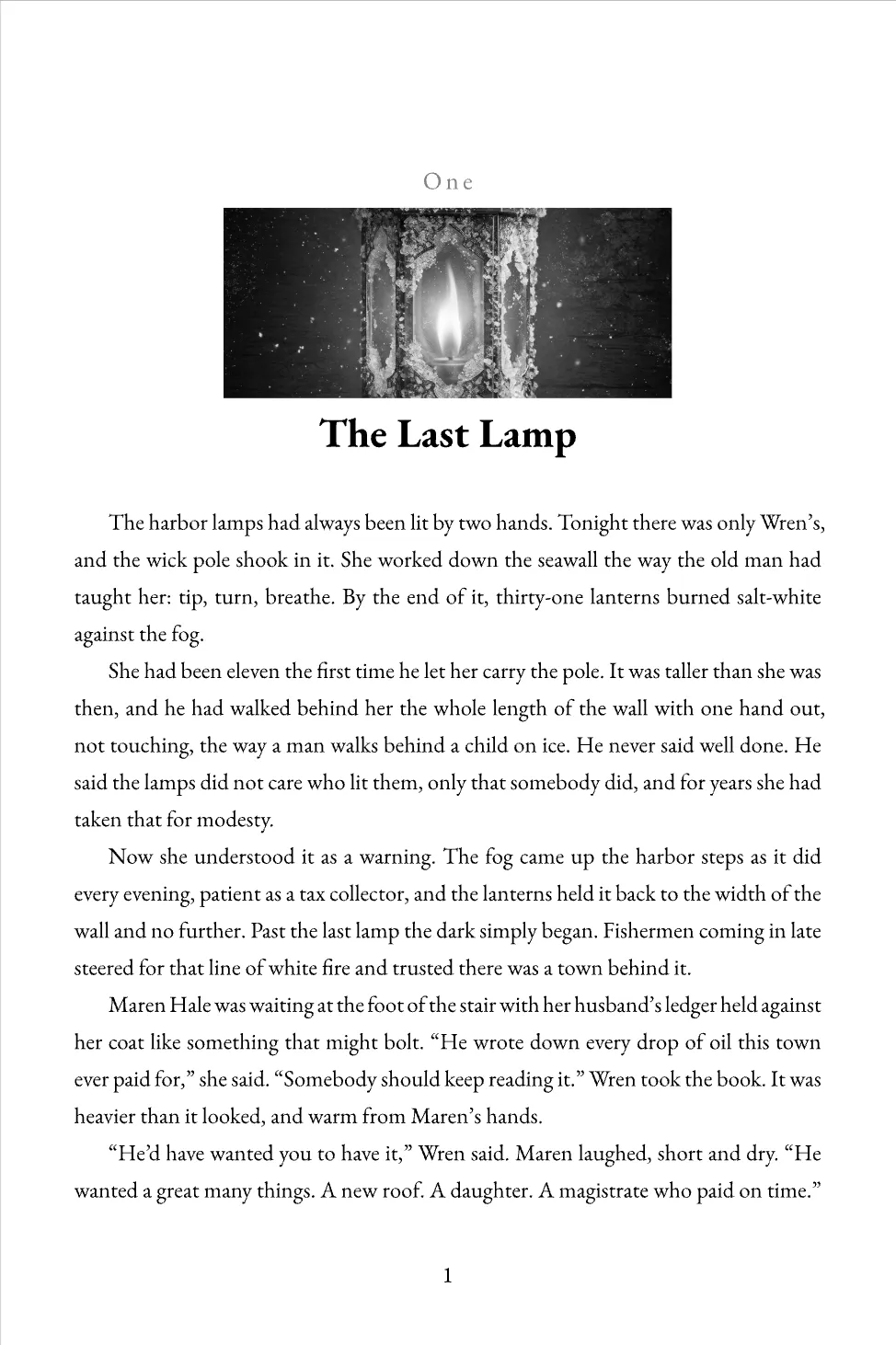
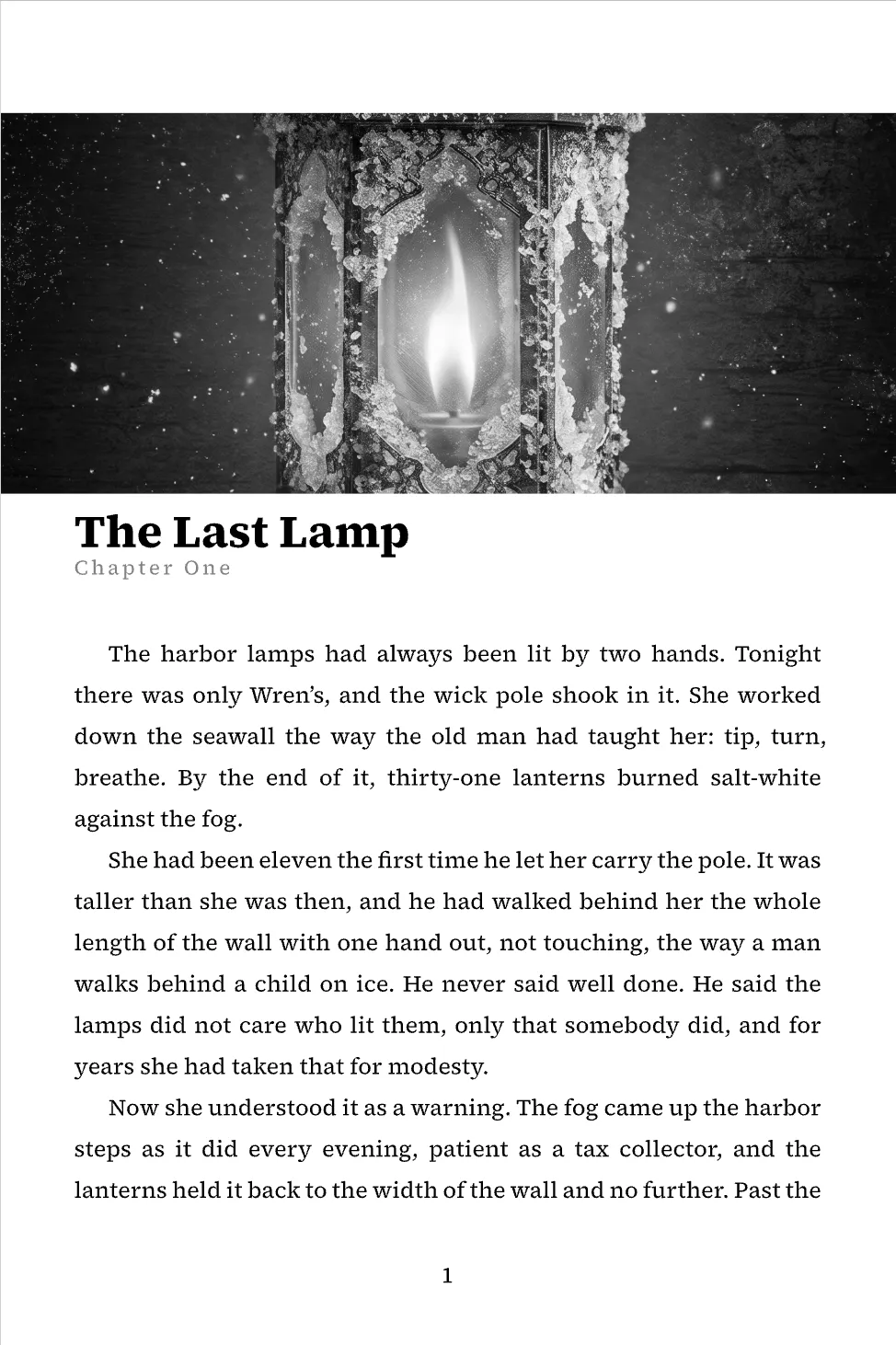
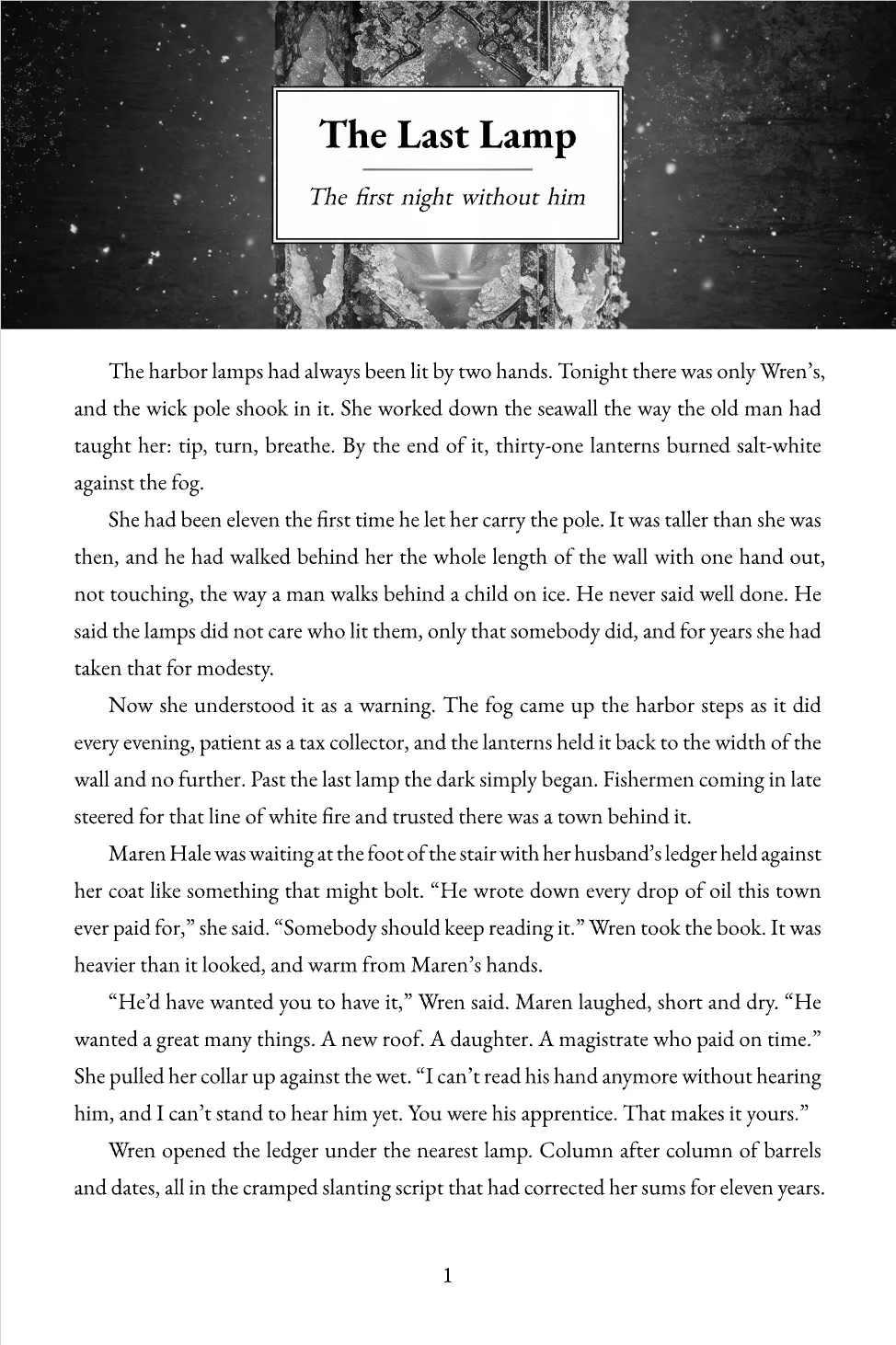
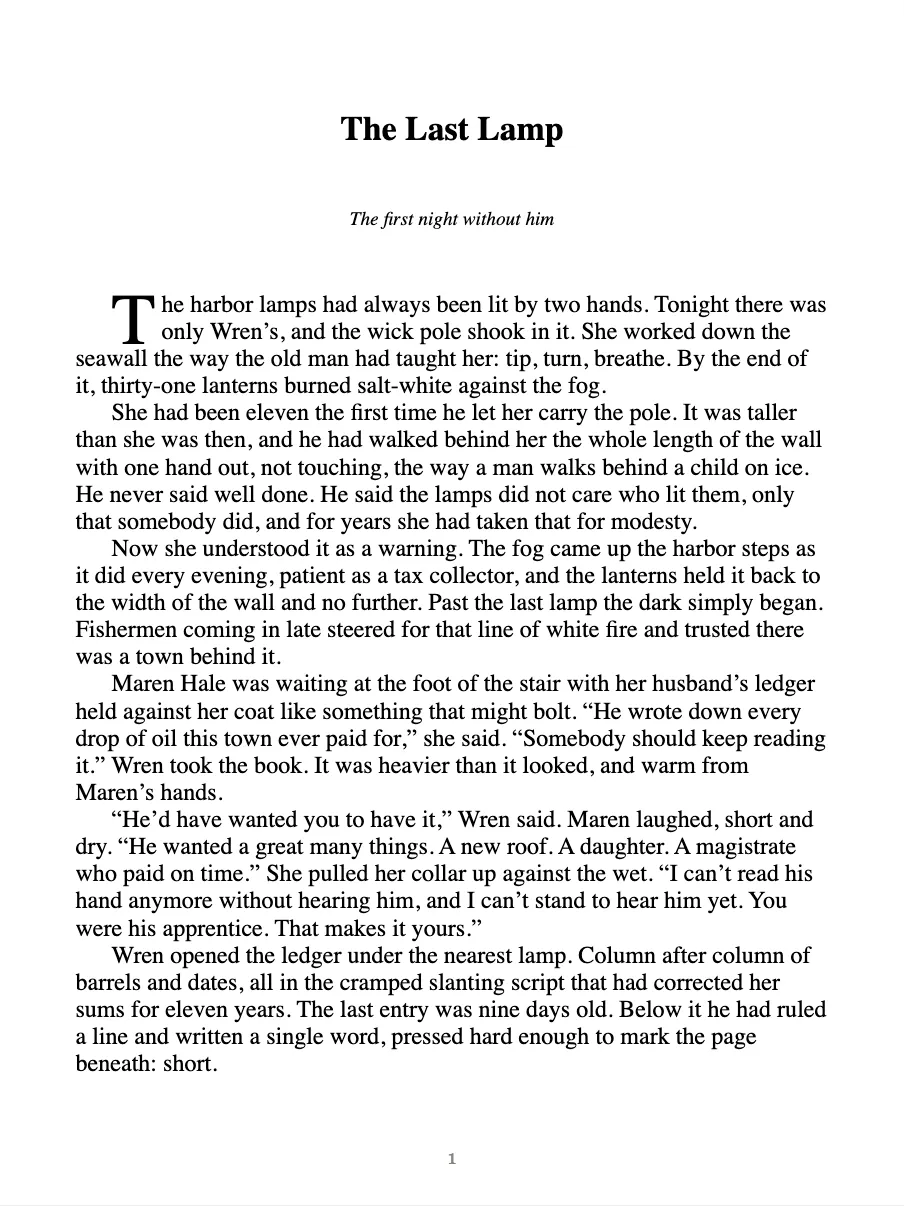
EPUB
Kindle and every store. Free on every plan.
PRINT PDF · PRO
Your trim size, real front and back matter.
DOCX · PRO
For editors and agents, from the same source.
[ LitRPG + progression fantasy ]
ProWriting LitRPG?Put the spreadsheet down.
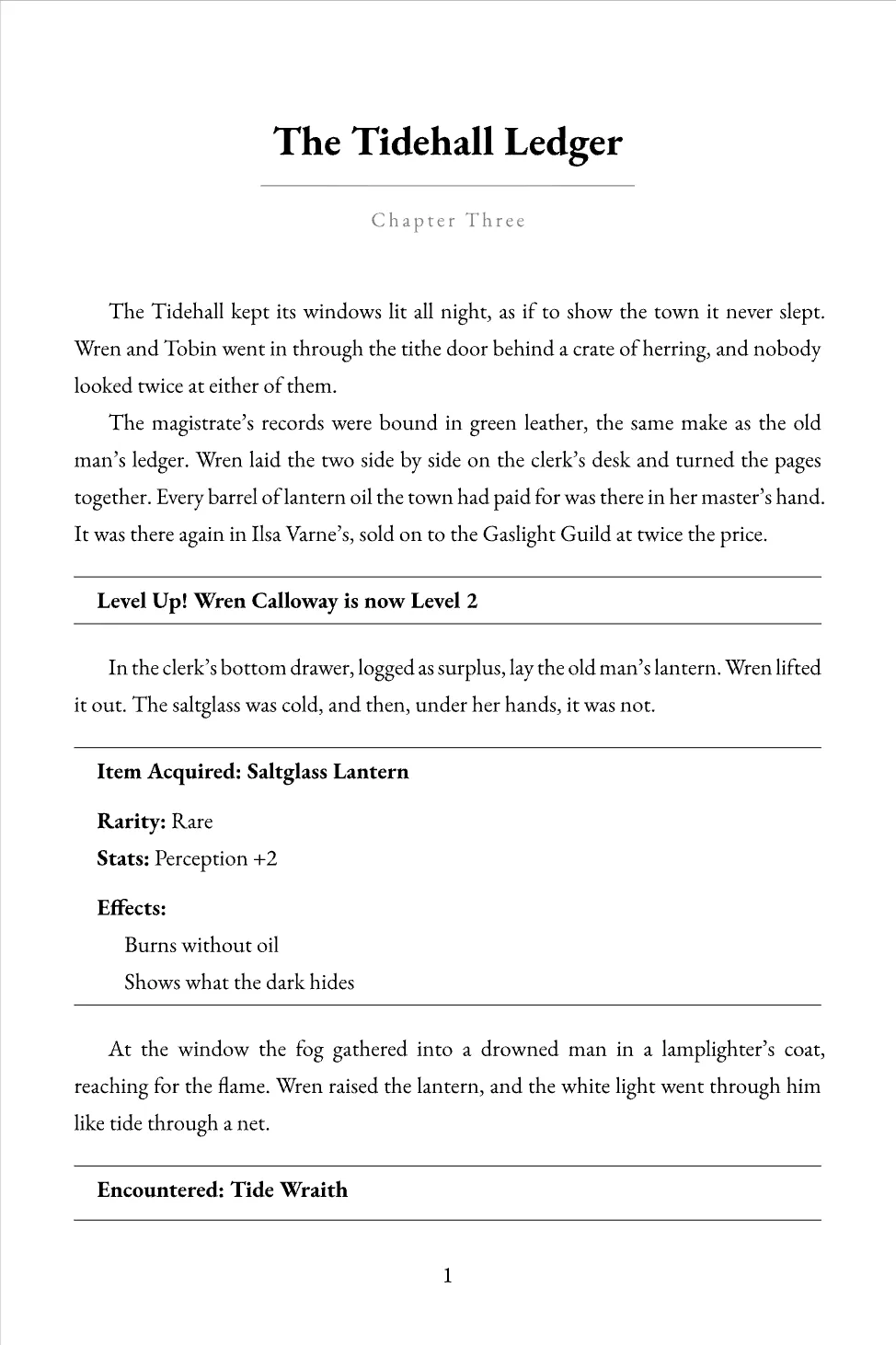
Gnarlywog has a builder made for LitRPG and progression fantasy. Define your system once, and it tracks every stat, level, skill and item chapter by chapter, then typesets every system message the same way in the ebook and the paperback.
- 8
- Mechanics ready to fill in
- Custom
- For whatever your world has
- Per chapter
- Progression, tracked for you
- Print + Kindle
- Live preview of every block
And the rest
Everything else a book needs
SeriesPro
Share characters, locations and pages across a series, so book four matches book one.
AI, only if you want itPro
Off by default. Runs on your own OpenRouter account, and nothing is inserted until you accept it.
Editors and beta readersPro
Invite an editor to comment or redraft, and give beta readers a reading view and feedback form.
Import your manuscript
Import a draft from Word, Markdown, Google Drive, or a finished EPUB on Pro, and check the chapter split before it is saved.
- DOCX
- Markdown
- Google Drive
- EPUB Pro
Handwritten pagesPro
Photograph pages you wrote by hand and get rough draft text you can correct.
Accessible ebooks
Every EPUB is built to the EPUB Accessibility 1.1 standard, on every plan.
Built by an author
“I’m writing a fantasy series, The Wizard Left, and there’s a lot to keep track of. I kept jumping between apps and tabs, and good ideas kept getting lost along the way. I wanted one place that held everything and let me stay focused on the story. So I built Gnarlywog. The planning, the notes, the tracking and formatting all live right alongside the book now.”
Weston Sazehn · Author of The Wizard Left, creator of Gnarlywog
Pricing
Start free. Stay as long as you like.
Free
$0
No card, no trial clock
1 book with the chapter editor, outline and beats, characters and locations, and EPUB export.
Start freePro
$20/month
or $200 a year
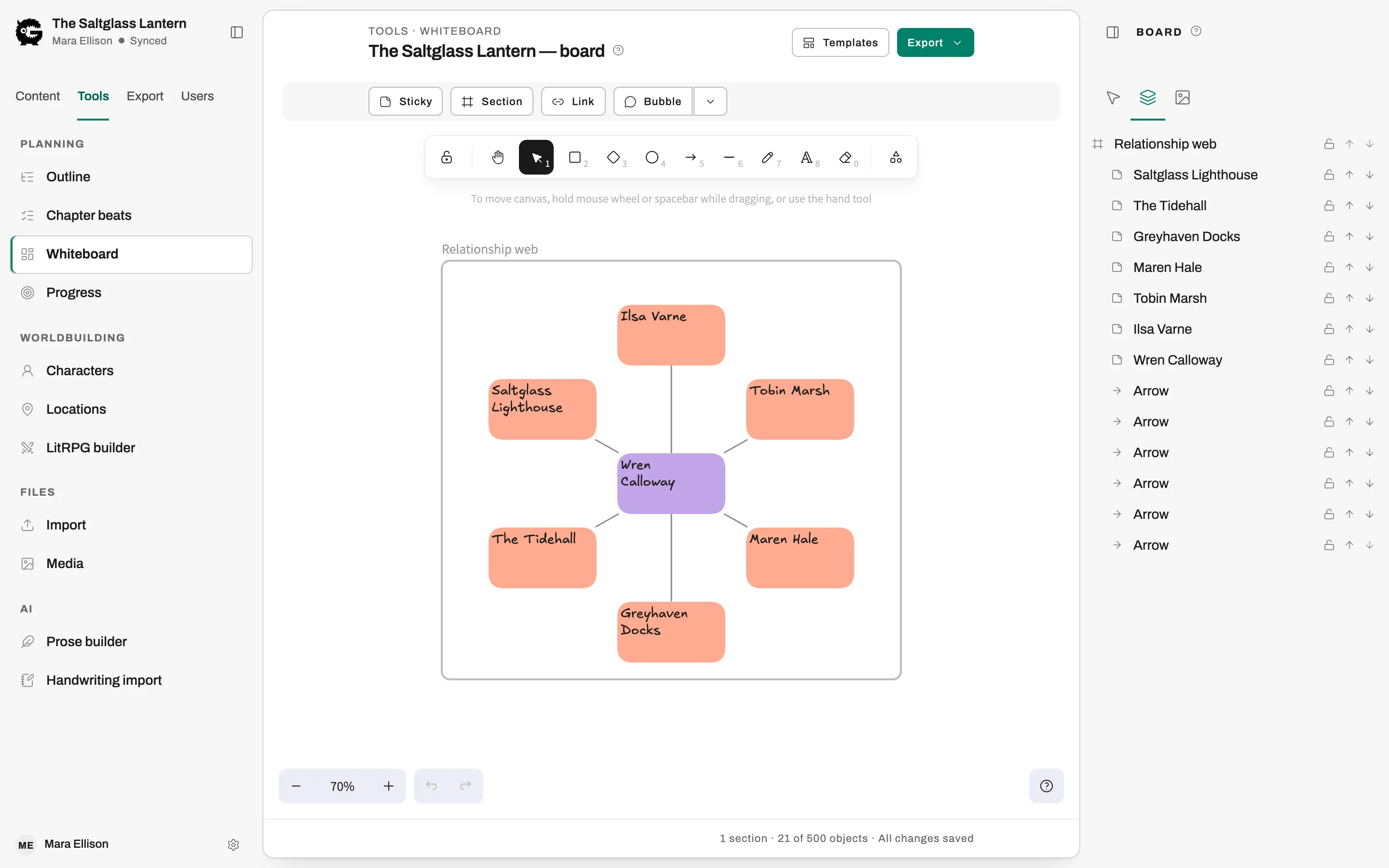
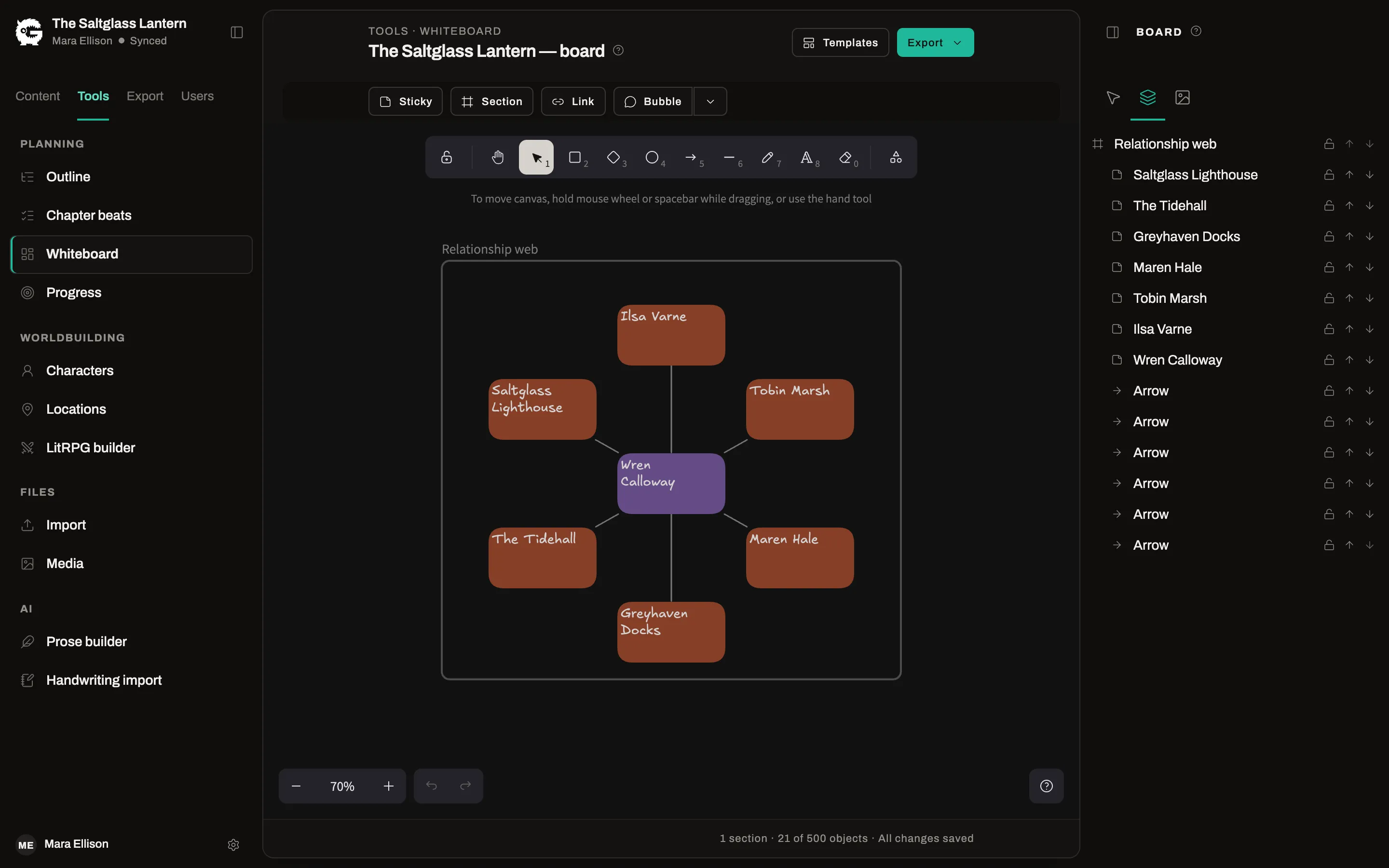
Unlimited books, print PDF and DOCX, series management and sync across books, editors and beta readers, the whiteboard, the LitRPG builder and 5 GB of media.
Start free, upgrade later